Live Chat to Pipedrive CRM, Automatically
Every chat conversation is a potential deal. Chatim's Pipedrive integration sends new leads from live chat and chatbot conversations straight into your Pipedrive pipeline as a person, a deal and a note. No manual data entry, no lost contacts. Connect it in a few minutes with your Pipedrive API token.
Boost Sales
Live chat converts visitors into customers
24/7 Automation
Chatbot captures leads outside business hours
Better Support
Instant responses improve customer satisfaction
Easy Setup
Get started in minutes without coding
Chat conversations turn into Pipedrive deals
Capture visitor details through live chat and chatbot, then let Chatim create the records in Pipedrive for you.
Automatic Lead Creation
When a visitor shares their email or phone through your chatbot or live chat, Chatim creates a person in Pipedrive and, if you turn it on, a deal linked to that person. The deal title is a template you control, for example Chat Lead with the visitor's name. Your sales team sees fresh leads in the pipeline without lifting a finger.
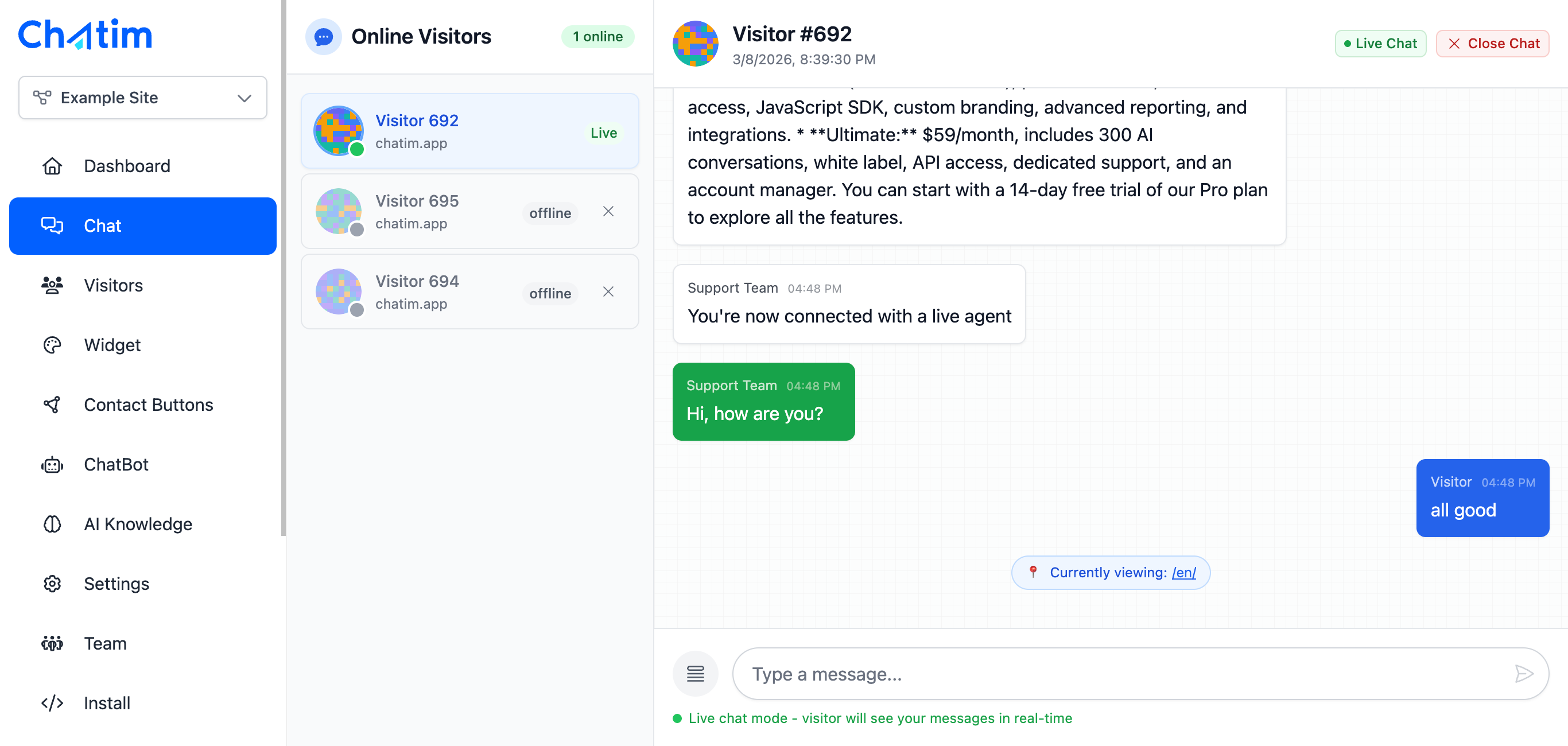
Chat Details on the Contact
Chatim can attach a note to the new person with the chat details: email, phone, the visitor's country and city, and the lead status. Your reps open the contact and see where the lead came from before they call.

Qualify Leads with the Chatbot First
Use Chatim's chatbot to ask qualifying questions before anything reaches Pipedrive. Collect the budget, timeline or use case in a form, mark the chat as a lead only when the answers fit, and sync to Pipedrive when the status becomes Lead. Your pipeline stays clean.
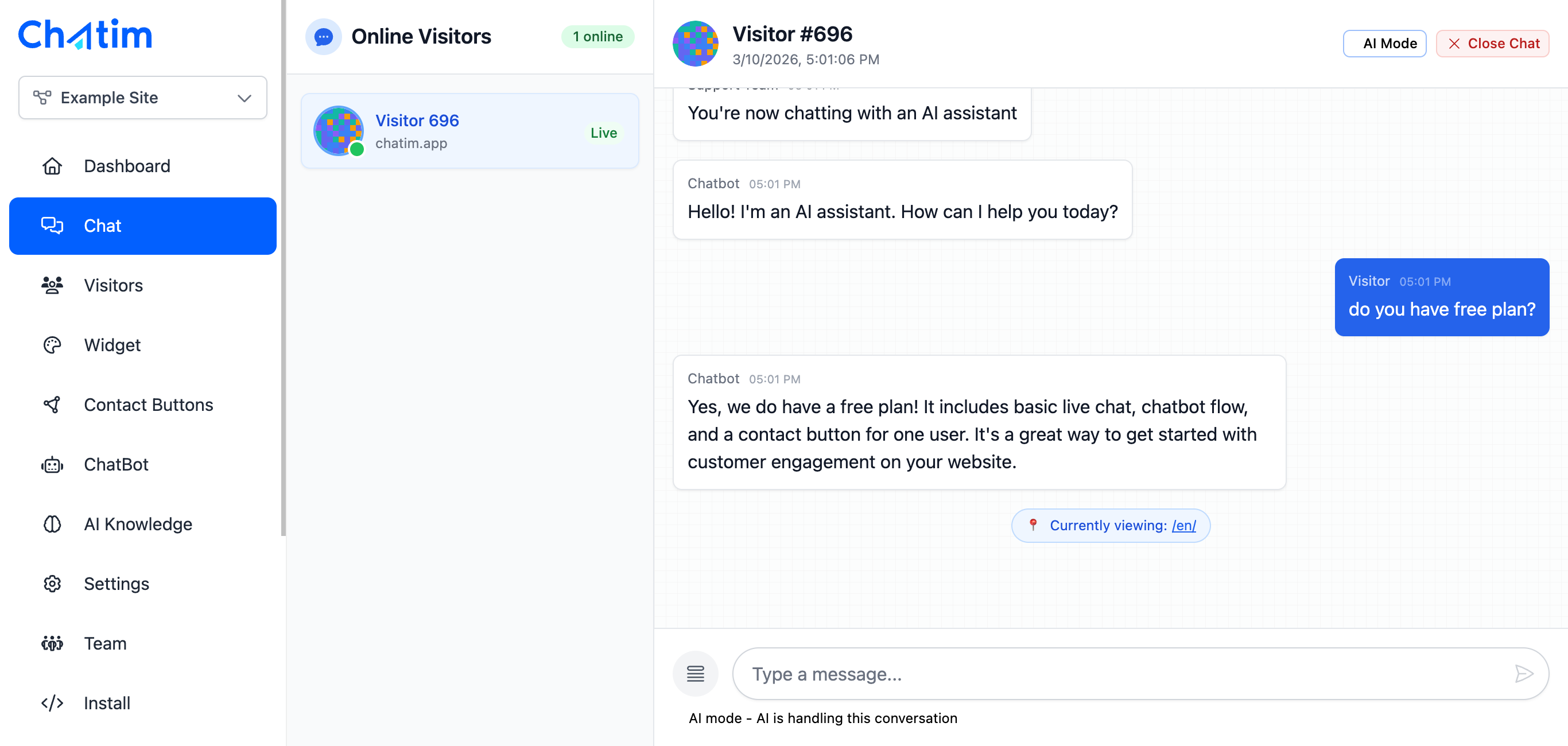
Works with your favorite tools
Chatim connects with Pipedrive, Slack, WhatsApp, Messenger, Telegram and, through webhooks, any tool your sales team relies on.
Reply to chats directly from Slack threads
Read more →One-click plugin install for WordPress sites
Read more →Add live chat to your Shopify store
Read more →Embed the widget on any Wix website
Read more →Drop-in chat for Squarespace pages
Read more →Add chat to Webflow with a code snippet
Read more →Live chat support for Magento stores
Read more →Script or SDK install for Next.js apps
Read more →Deploy via GTM without touching code
Read more →Full control with our JavaScript API
Real-time event notifications to your server
Read more →Quick setup for Site123 websites
Read more →Sync chat leads to your Pipedrive CRM
Read more →Get chat notifications in Telegram
Read more →Chat with visitors via WhatsApp Business
Read more →Reply via Facebook Messenger & Instagram DM
Read more →Connect with 5,000+ apps through Zapier
Read more →Sync contacts and chats with HubSpot CRM
Read more →Why sales teams connect Chatim to Pipedrive
Stop copying contact details from chat to CRM and let the integration handle the busywork.
- Zero Manual Data Entry
- Every lead captured through live chat or chatbot flows into Pipedrive with the contact details Chatim collected. Your team spends time selling, not typing.
- You Decide When to Sync
- Sync when the chat status becomes Lead, on every form submission, or when the chat closes. Turn the deal and the note on or off, and set your own deal title template with the visitor's name, email or phone.
- Set Up in Minutes, No Developer
- Paste your Pipedrive API token and company domain, test the connection, choose your sync settings and you are done. Need another CRM? Chatim webhooks post every lead as JSON to any URL.

What our customers say
Reviews from Chatim customers on Trustpilot
Individual results vary. Testimonials reflect the experience of these customers and are not a guarantee of results.
Frequently asked questions
Everything you need to know about Chatim