Live Chat Webhook Integration
Connect Chatim to your CRM, helpdesk, database, or any system using webhooks. Get real-time HTTP notifications when chats start, messages are sent, or leads are captured. Build custom automation workflows with Zapier, Make, or your own backend.
Boost Sales
Live chat converts visitors into customers
24/7 Automation
Chatbot captures leads outside business hours
Better Support
Instant responses improve customer satisfaction
Easy Setup
Get started in minutes without coding
Event-driven chat data for your entire stack
Chatim sends webhook events in real-time. Your systems react. No polling, no manual exports, no data silos.
Real-Time Webhook Events
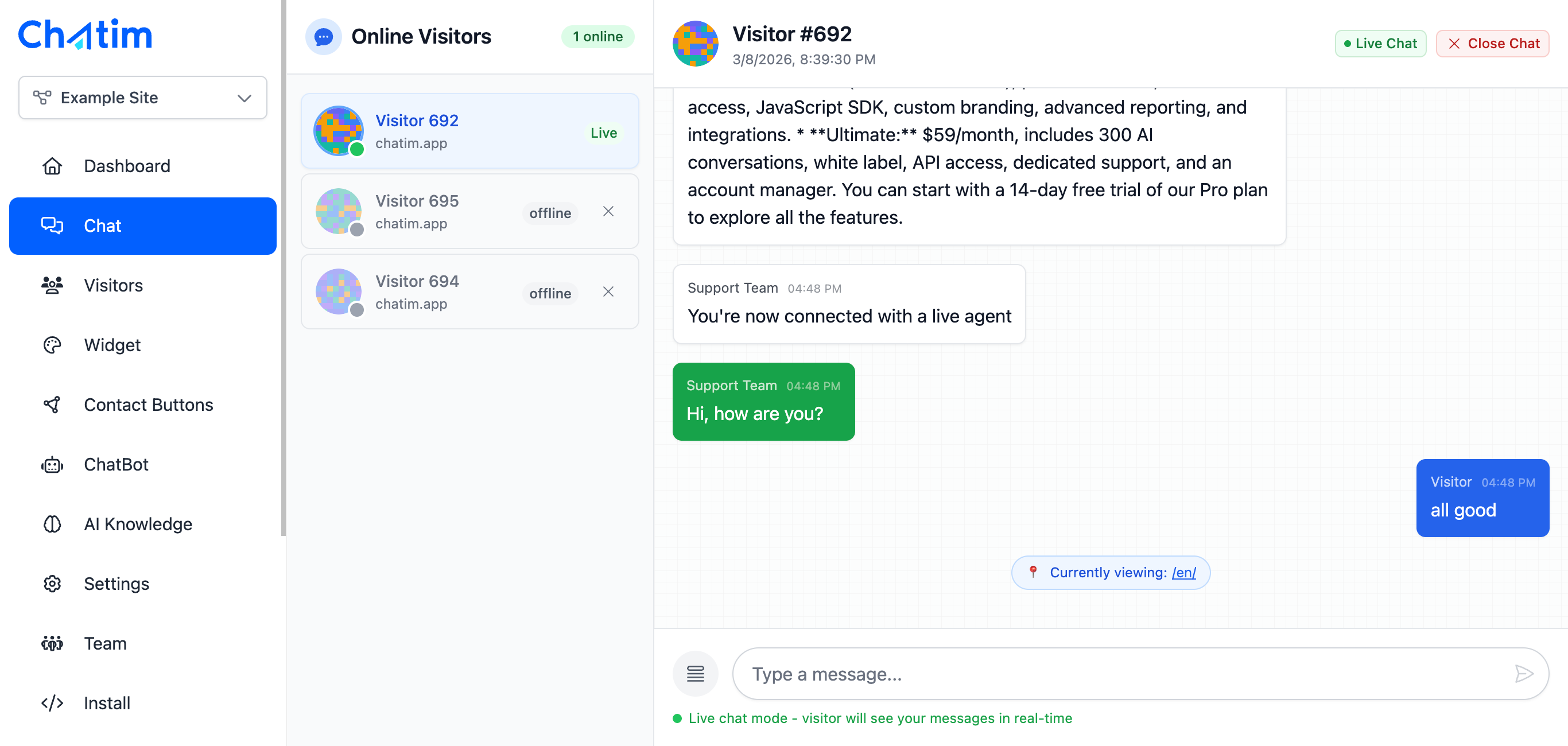
Chatim fires HTTP POST requests to your endpoints when key events happen - new chat started, message sent, lead captured, chatbot flow completed, chat assigned, and more. JSON payloads include full context so your receiving system has everything it needs.
CRM and Helpdesk Sync
Automatically create contacts in Salesforce, HubSpot, or Pipedrive when Chatim captures a lead. Create support tickets in Zendesk or Jira when a chat needs follow-up. Keep your systems in sync without manual data entry or CSV exports.

Zapier and Make Automation
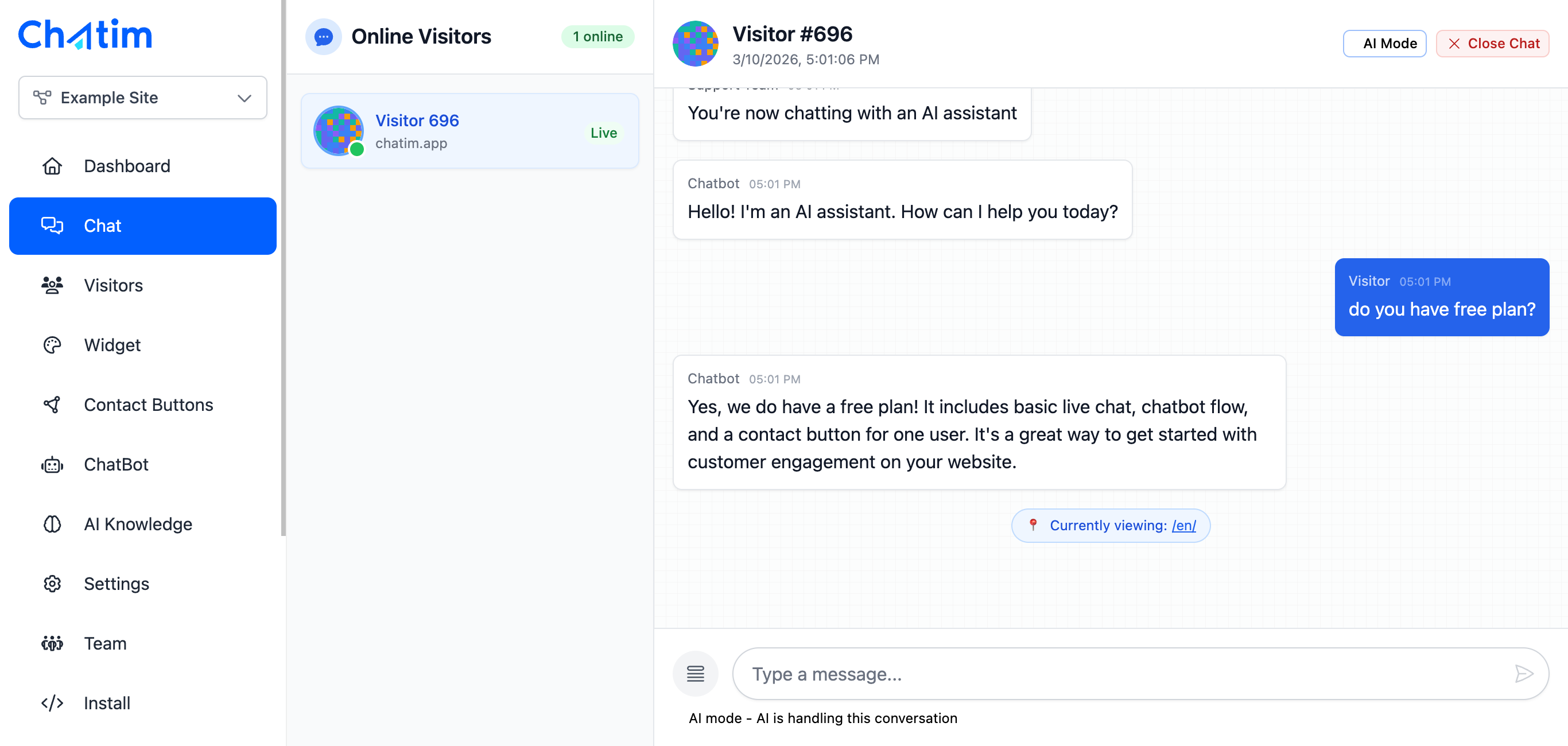
Connect Chatim webhooks to Zapier or Make to build workflows without code. Send Slack notifications when VIP customers start a chat, add leads to your email marketing platform, update spreadsheets, or trigger any of thousands of app integrations.
Works with your favorite tools
Connect Chatim to any system using webhooks and REST API.
Reply to chats directly from Slack threads
Read more →One-click plugin install for WordPress sites
Read more →Add live chat to your Shopify store
Read more →Embed the widget on any Wix website
Read more →Drop-in chat for Squarespace pages
Read more →Add chat to Webflow with a code snippet
Read more →Live chat support for Magento stores
Read more →Script or SDK install for Next.js apps
Read more →Deploy via GTM without touching code
Read more →Full control with our JavaScript API
Real-time event notifications to your server
Read more →Quick setup for Site123 websites
Read more →Sync chat leads to your Pipedrive CRM
Read more →Get chat notifications in Telegram
Read more →Chat with visitors via WhatsApp Business
Read more →Reply via Facebook Messenger & Instagram DM
Read more →Connect with 5,000+ apps through Zapier
Read more →Sync contacts and chats with HubSpot CRM
Read more →Why developers choose Chatim webhooks
Chat data that flows where you need it, when you need it.
- API-First Approach
- Chatim is built for developers who want control. Webhooks deliver structured JSON payloads to your endpoints. You process them however you want - store in your database, trigger business logic, or forward to downstream services. Your data, your rules.
- No More Data Silos
- Chat conversations contain valuable customer data that shouldn't be trapped in a standalone tool. Webhooks push that data to your CRM, analytics platform, data warehouse, or any system in real-time. One source of truth for all customer interactions.
- Build Custom Automations
- Route high-value leads to your sales team instantly. Escalate negative sentiment chats to a manager. Tag conversations based on content and sync tags to your CRM. Webhooks give you the building blocks to create workflows that match exactly how your business operates.

What our customers say
Reviews from Chatim customers on Trustpilot
Individual results vary. Testimonials reflect the experience of these customers and are not a guarantee of results.
Frequently asked questions
Everything you need to know about Chatim