Live Chat Widget for Next.js Applications
Add Chatim to your Next.js project with a simple script tag or npm package. SSR-compatible, works with both App Router and Pages Router, and won't break your hydration. Start chatting with users in minutes.
Boost Sales
Live chat converts visitors into customers
24/7 Automation
Chatbot captures leads outside business hours
Better Support
Instant responses improve customer satisfaction
Easy Setup
Get started in minutes without coding
Built for modern Next.js development
Chatim integrates cleanly with your Next.js stack. No hacks, no workarounds, no SSR headaches.
Simple Next.js Integration
Add Chatim using the next/script component with strategy='afterInteractive'. Works with both App Router (app/) and Pages Router (pages/). Drop it in your root layout or _app.tsx and the widget loads on every page. No client-only wrappers needed.
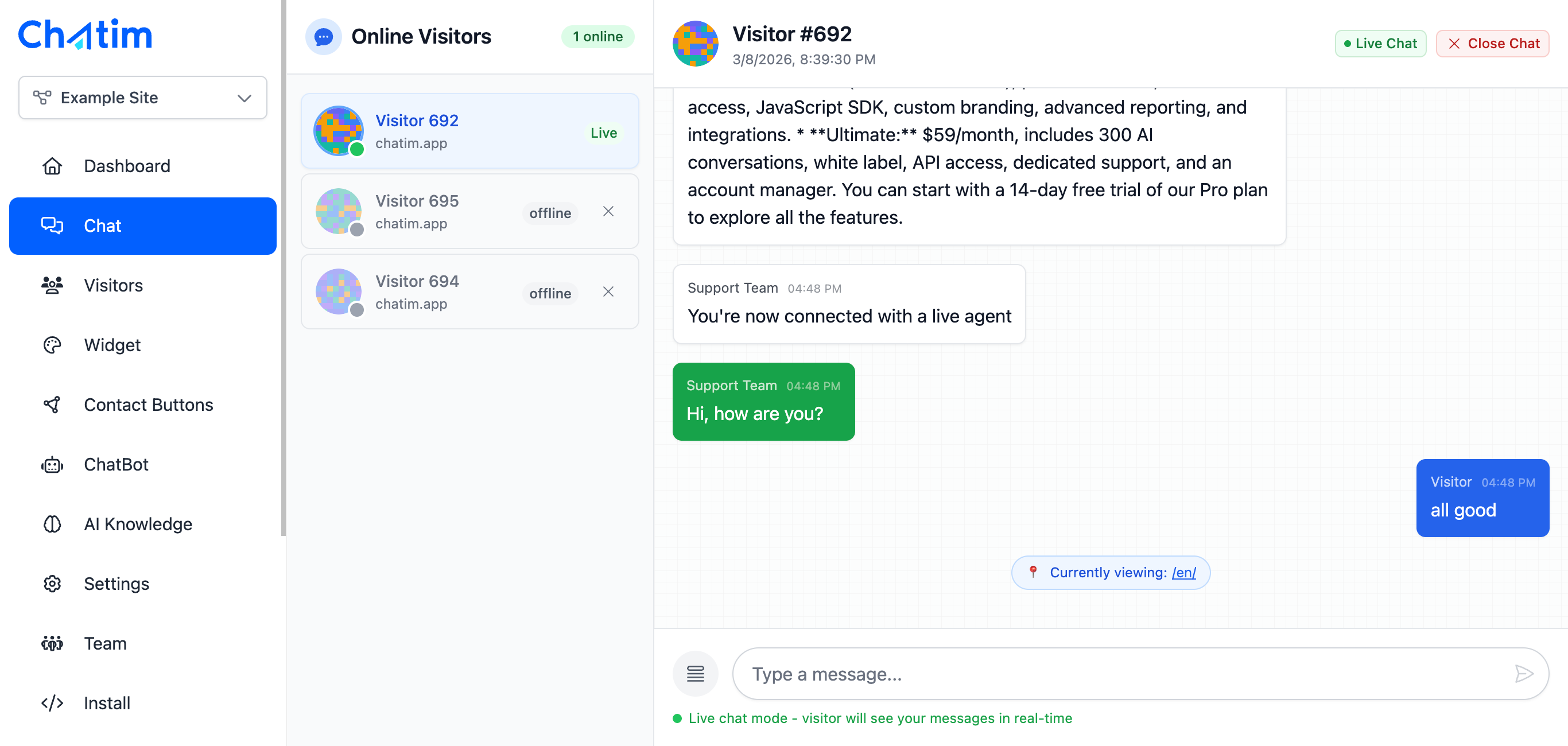
SSR-Compatible, No Hydration Issues
Chatim loads entirely on the client side after your page hydrates. It doesn't inject server-side HTML, so there are no hydration mismatches. Your React tree stays clean and your console stays free of warnings. Works perfectly with streaming and Suspense.

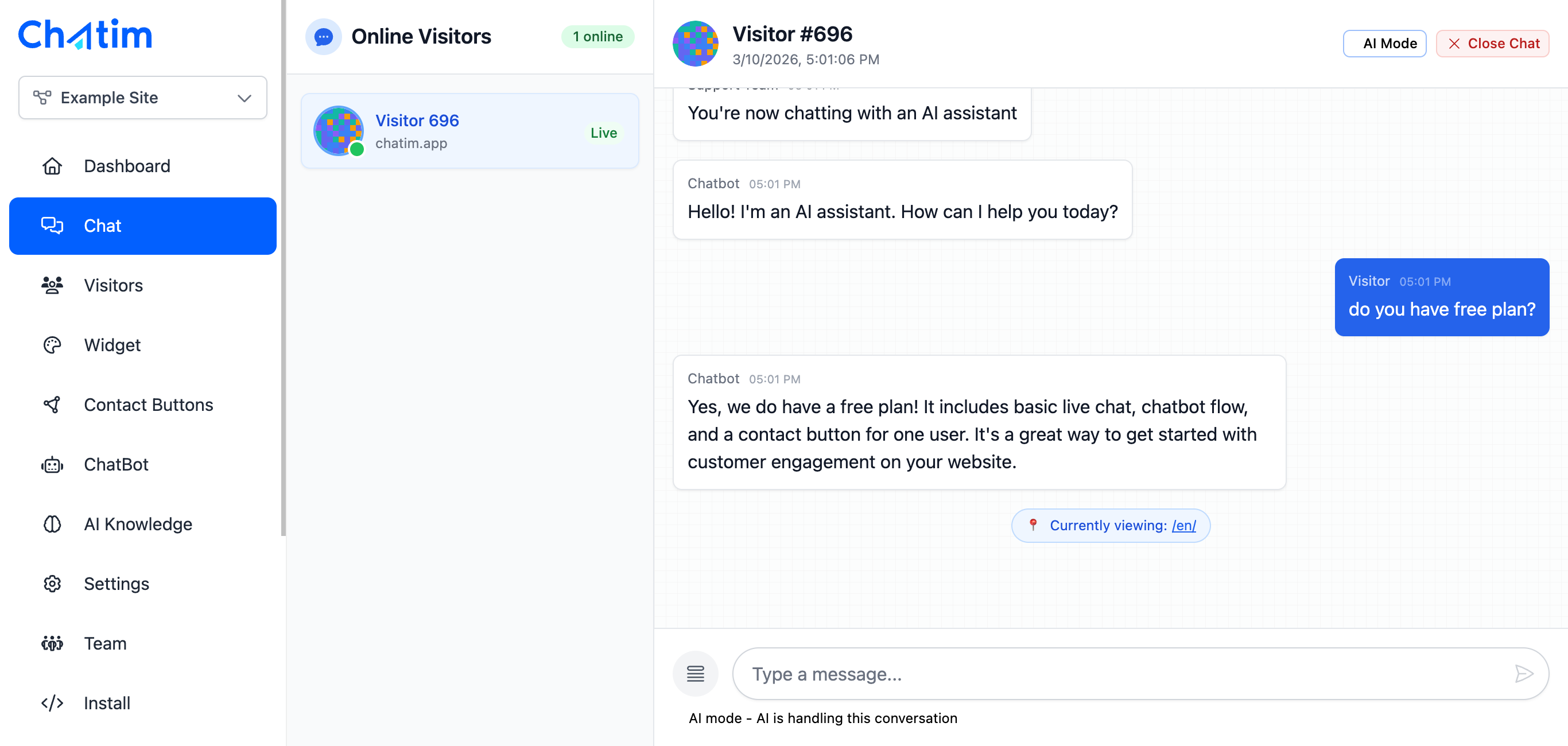
Chatbot & AI for SaaS and Web Apps
Most Next.js projects are SaaS products, dashboards, or web applications. Chatim's chatbot handles user onboarding questions, feature walkthroughs, and support tickets. The AI learns from your docs and help center to answer questions automatically.
Works with your favorite tools
Chatim integrates with Next.js and your development stack.
Reply to chats directly from Slack threads
Read more →One-click plugin install for WordPress sites
Read more →Add live chat to your Shopify store
Read more →Embed the widget on any Wix website
Read more →Drop-in chat for Squarespace pages
Read more →Add chat to Webflow with a code snippet
Read more →Live chat support for Magento stores
Read more →Script or SDK install for Next.js apps
Read more →Deploy via GTM without touching code
Read more →Full control with our JavaScript API
Real-time event notifications to your server
Read more →Quick setup for Site123 websites
Read more →Sync chat leads to your Pipedrive CRM
Read more →Get chat notifications in Telegram
Read more →Chat with visitors via WhatsApp Business
Read more →Reply via Facebook Messenger & Instagram DM
Read more →Connect with 5,000+ apps through Zapier
Read more →Sync contacts and chats with HubSpot CRM
Read more →Why Next.js developers choose Chatim
A chat widget that respects your stack and your users' experience.
- Zero Bundle Bloat
- Chatim loads via an external script, so it adds nothing to your Next.js bundle size. Your build stays fast, your Lighthouse scores stay high, and your users get the same quick load times. The widget script is under 50KB gzipped and loads after your page content.
- Works With Your Auth and User Context
- Pass user data to Chatim via the JavaScript SDK - name, email, plan type, or any custom attributes. When a logged-in user opens the chat, your support team sees their full context. Great for SaaS products where personalized support matters.
- API and Webhooks for Custom Workflows
- Chatim offers webhooks and REST API for developers who want deeper integration. Trigger events when chats start, sync conversations to your database, or build custom notification flows. Fits into the way your team already works.

What our customers say
Reviews from Chatim customers on Trustpilot
Individual results vary. Testimonials reflect the experience of these customers and are not a guarantee of results.
Frequently asked questions
Everything you need to know about Chatim