Live Chat for Squarespace - Beautiful & Easy
Add Chatim to your Squarespace site in minutes using code injection. The chat widget adapts to your site's design, works on every template, and helps you turn visitors into customers with live chat and chatbot automation.
Boost Sales
Live chat converts visitors into customers
24/7 Automation
Chatbot captures leads outside business hours
Better Support
Instant responses improve customer satisfaction
Easy Setup
Get started in minutes without coding
A chat widget that looks great on Squarespace
Your Squarespace site is designed to impress. Chatim's widget fits right in - matching your aesthetics while adding powerful chat and automation.
Easy Code Injection Setup
Add Chatim to your Squarespace site through the built-in Code Injection panel. Go to Settings > Advanced > Code Injection, paste the snippet, and save. The widget appears on every page instantly. No plugins, no third-party apps, no developer required.
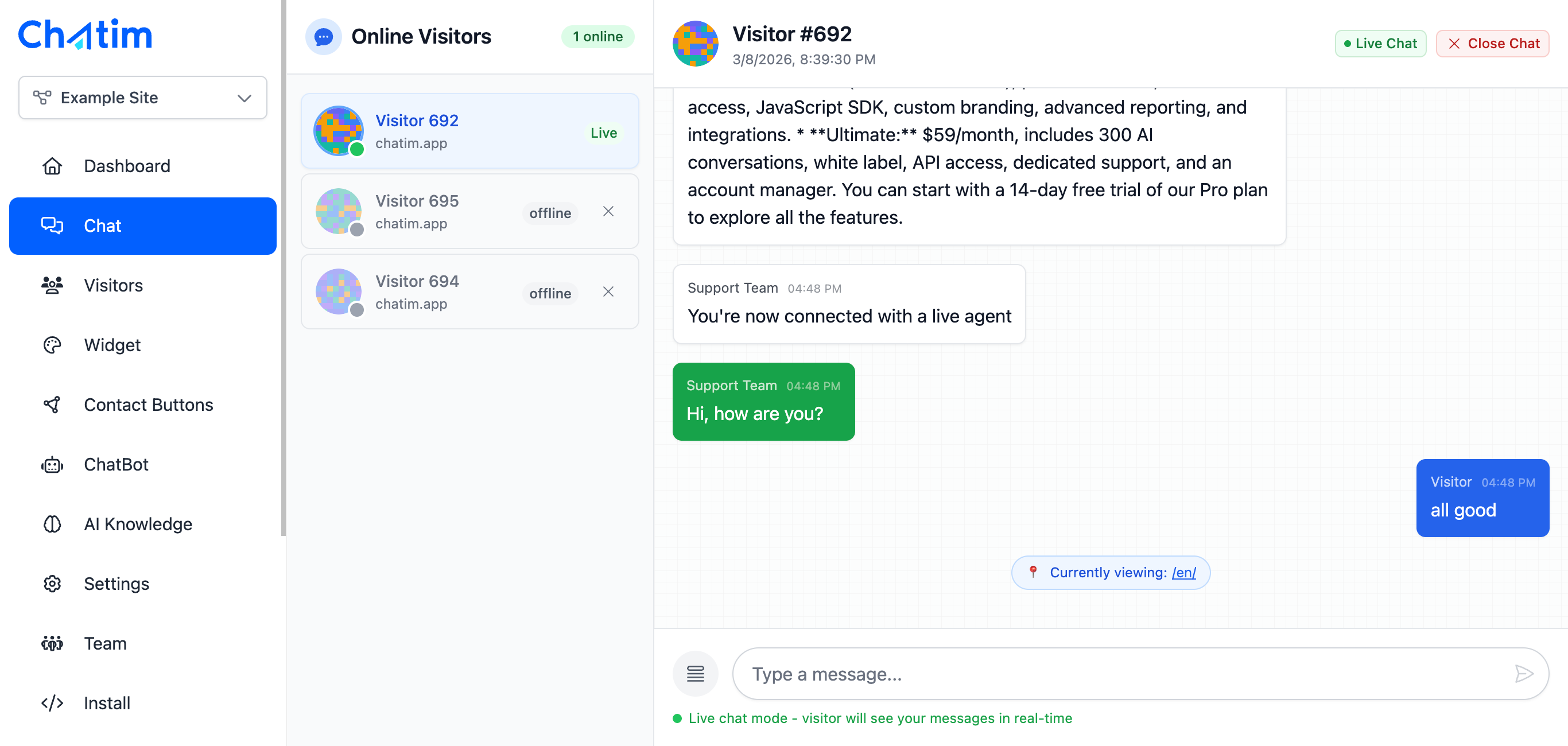
Design-Matching Chat Widget
Chatim's widget is fully customizable to blend with your Squarespace template. Adjust colors, fonts, position, and greeting messages so the chat feels like a natural part of your site. Looks great on Brine, Bedford, Skye, and every other template family.

Chatbot Automation for Squarespace
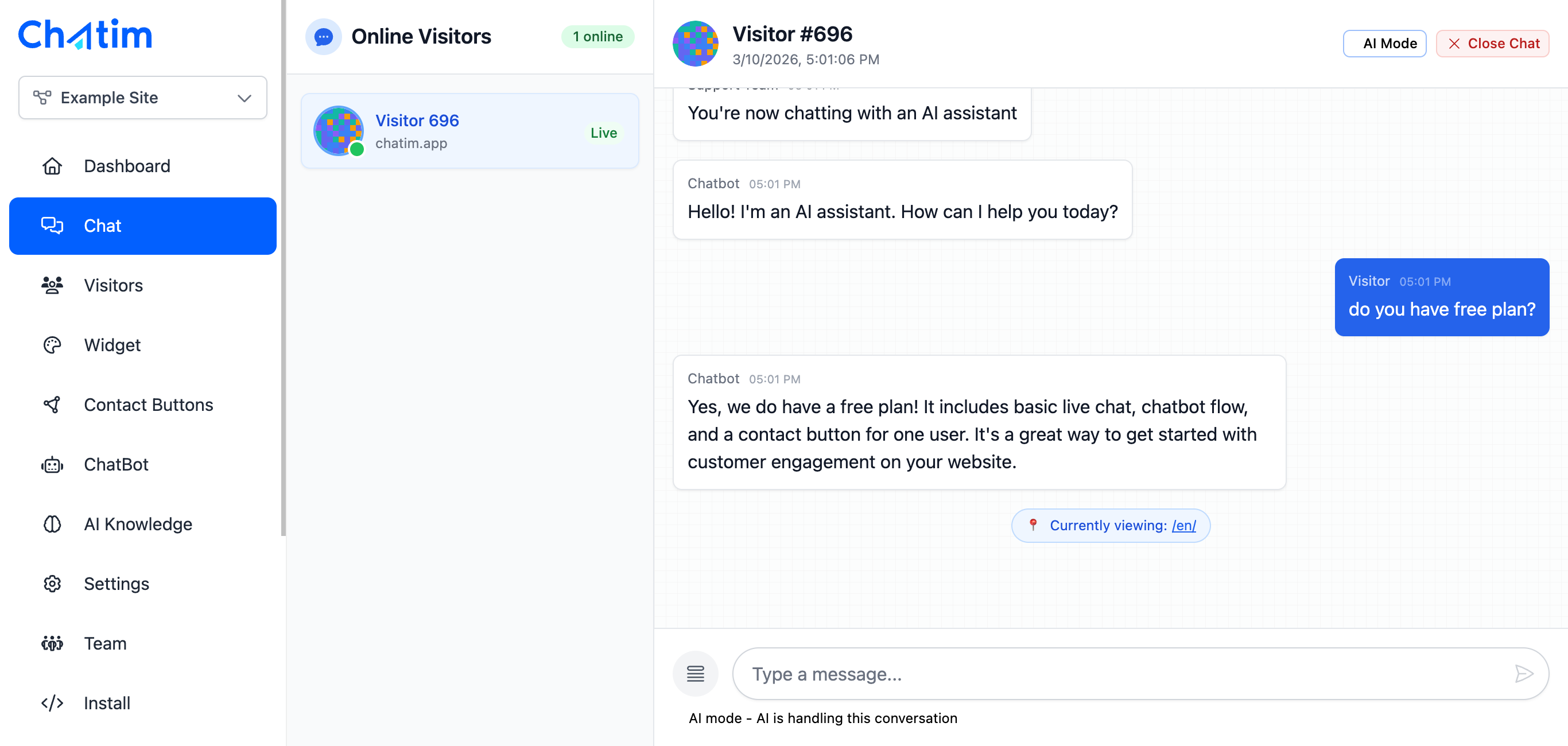
Set up chatbot flows that greet visitors, answer common questions, collect contact info, and schedule appointments. Build everything with a drag-and-drop editor. Your chatbot works around the clock even when you're focused on your creative work.
Works with your favorite tools
Chatim integrates with Squarespace and the tools you use to grow your business.
Reply to chats directly from Slack threads
Read more →One-click plugin install for WordPress sites
Read more →Add live chat to your Shopify store
Read more →Embed the widget on any Wix website
Read more →Drop-in chat for Squarespace pages
Read more →Add chat to Webflow with a code snippet
Read more →Live chat support for Magento stores
Read more →Script or SDK install for Next.js apps
Read more →Deploy via GTM without touching code
Read more →Full control with our JavaScript API
Real-time event notifications to your server
Read more →Quick setup for Site123 websites
Read more →Sync chat leads to your Pipedrive CRM
Read more →Get chat notifications in Telegram
Read more →Chat with visitors via WhatsApp Business
Read more →Reply via Facebook Messenger & Instagram DM
Read more →Connect with 5,000+ apps through Zapier
Read more →Sync contacts and chats with HubSpot CRM
Read more →Why Squarespace site owners choose Chatim
You picked Squarespace for its design quality. Chatim adds live chat without compromising that.
- Designed for Creatives and Small Businesses
- Squarespace users are designers, photographers, consultants, and small business owners. Chatim is built for you - easy to set up without technical skills, with a widget that respects your site's visual identity. Engage visitors personally without breaking your design.
- Convert Portfolio Visitors Into Clients
- Visitors browsing your portfolio or services page often have questions before reaching out. Live chat catches them at that moment - helping you answer questions about pricing, availability, and project details in real-time instead of losing them to a competitor.
- Capture Leads From Every Page
- Chatbot automation engages visitors on your homepage, services pages, and blog. It collects contact info, qualifies leads, and feeds everything into the built-in CRM. Much more effective than a static contact form sitting at the bottom of your page.

What our customers say
Reviews from Chatim customers on Trustpilot
Individual results vary. Testimonials reflect the experience of these customers and are not a guarantee of results.
Frequently asked questions
Everything you need to know about Chatim