Add Live Chat to Your Webflow Site
Embed Chatim on your Webflow project using custom code. Clean integration that works with your Webflow Designer setup, CMS collections, and custom interactions. Start chatting with visitors in minutes.
Boost Sales
Live chat converts visitors into customers
24/7 Automation
Chatbot captures leads outside business hours
Better Support
Instant responses improve customer satisfaction
Easy Setup
Get started in minutes without coding
Clean integration built for Webflow projects
Chatim fits naturally into your Webflow workflow. Embed it through custom code, customize the widget in your dashboard, and start converting visitors.
Custom Code Embed in Webflow
Add Chatim to your Webflow project through Project Settings > Custom Code. Paste the snippet in the Footer Code section, publish, and the widget is live. Works across all pages including CMS collection pages and dynamic content. No Webflow apps or extensions needed.
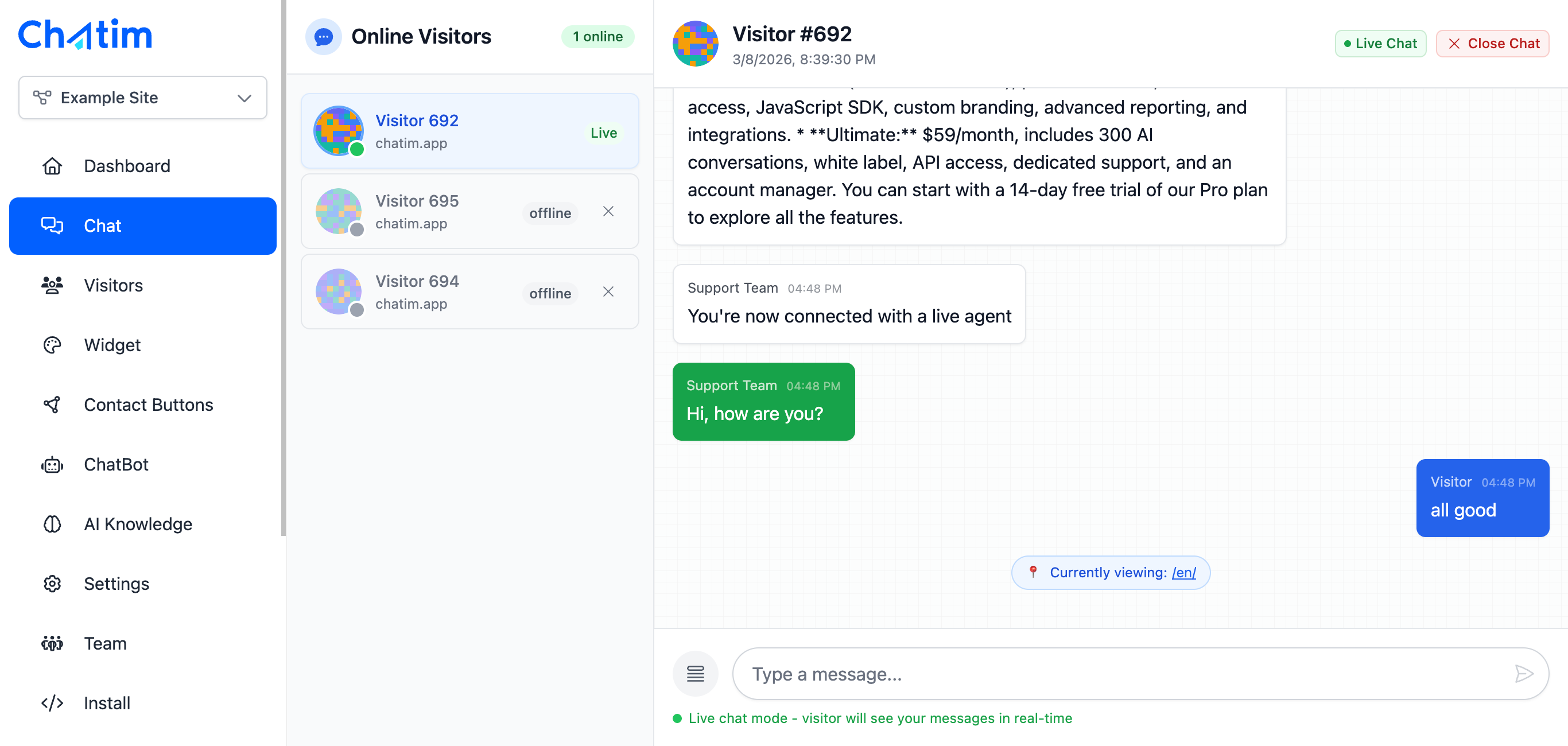
Works With Webflow CMS & Interactions
Chatim runs independently of your Webflow interactions and animations. It won't conflict with your custom code, CMS filtering, or JavaScript. The widget loads asynchronously so your carefully crafted page transitions and effects stay smooth.

AI Chatbot for Webflow Sites
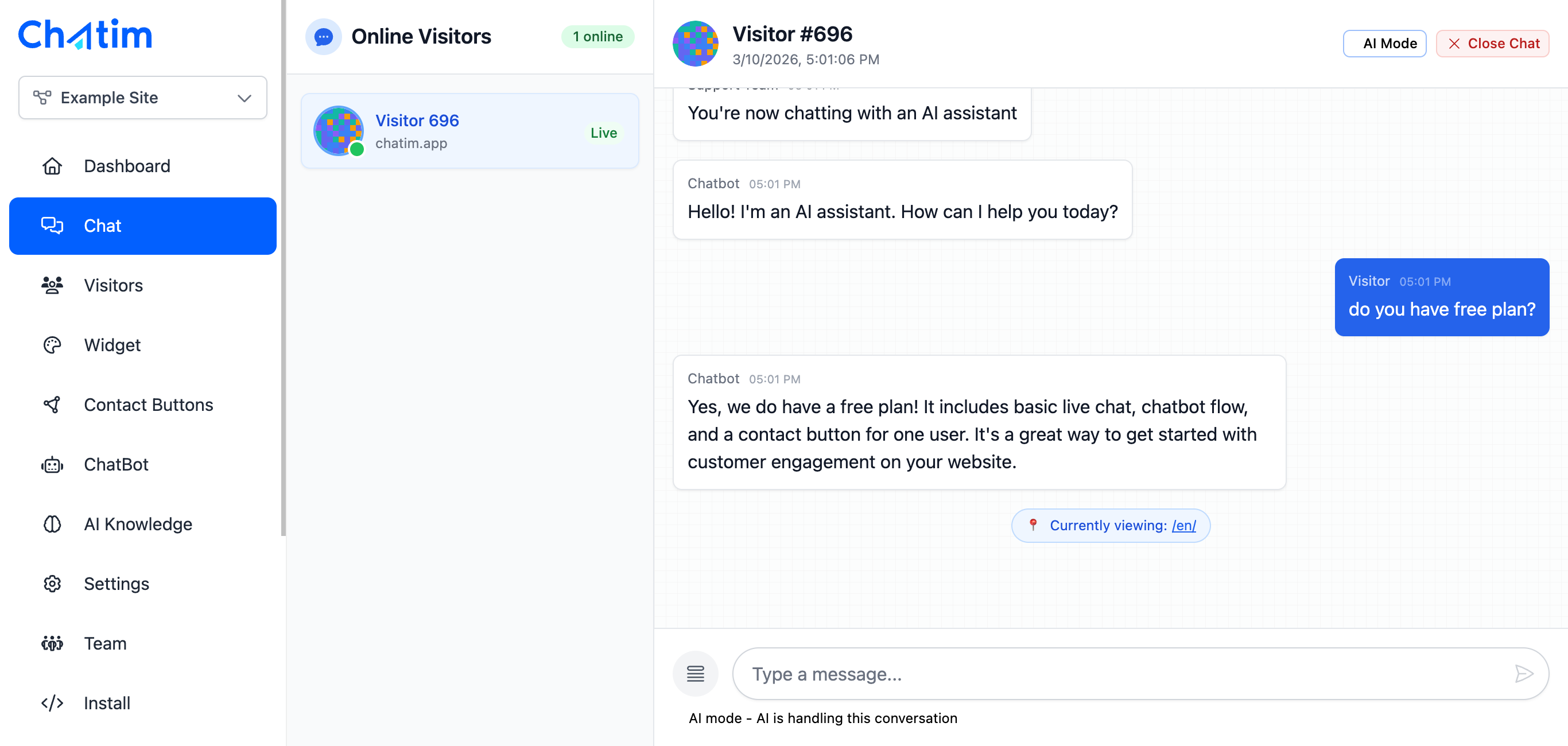
Train the AI on your Webflow site content and let it handle visitor questions about your services, portfolio, or products. The chatbot qualifies leads, books meetings, and hands off to your team when needed. Build flows visually without writing code.
Works with your favorite tools
Chatim integrates with Webflow and your existing development workflow.
Reply to chats directly from Slack threads
Read more →One-click plugin install for WordPress sites
Read more →Add live chat to your Shopify store
Read more →Embed the widget on any Wix website
Read more →Drop-in chat for Squarespace pages
Read more →Add chat to Webflow with a code snippet
Read more →Live chat support for Magento stores
Read more →Script or SDK install for Next.js apps
Read more →Deploy via GTM without touching code
Read more →Full control with our JavaScript API
Real-time event notifications to your server
Read more →Quick setup for Site123 websites
Read more →Sync chat leads to your Pipedrive CRM
Read more →Get chat notifications in Telegram
Read more →Chat with visitors via WhatsApp Business
Read more →Reply via Facebook Messenger & Instagram DM
Read more →Connect with 5,000+ apps through Zapier
Read more →Sync contacts and chats with HubSpot CRM
Read more →Why Webflow developers choose Chatim
Built for teams who care about clean code and great user experience.
- Developer-Friendly Integration
- Chatim's embed is a single lightweight script tag. No bloated dependencies, no jQuery, no conflicts with your existing custom code. The widget loads async and stays out of your DOM until needed. Clean and predictable.
- Works for Agencies and Client Sites
- Building Webflow sites for clients? Add Chatim to give them live chat and chatbot automation out of the box. Each client gets their own Chatim account with separate widget settings, chatbot flows, and CRM. Great value-add for your web design packages.
- Convert More Webflow Traffic Into Leads
- Your Webflow site looks great and drives traffic. Chatim makes sure that traffic doesn't bounce without engaging. Proactive chat messages, smart chatbot flows, and lead capture forms turn anonymous visitors into contacts in your CRM.

Individual results vary. Testimonials reflect the experience of these customers and are not a guarantee of results.
Frequently asked questions
Everything you need to know about Chatim