Every Contact Channel in One Button
Give visitors one-click access to WhatsApp, Telegram, Phone, Email, and Live Chat - all from a single floating widget. More ways to reach you means more conversations and more customers.
No credit card required
Boost Sales
Live chat converts visitors into customers
24/7 Automation
Chatbot captures leads outside business hours
Better Support
Instant responses improve customer satisfaction
Easy Setup
Get started in minutes without coding
One widget, every way to reach you
Replace scattered contact links with a single button that expands to show all your channels.
Messaging Apps
Let visitors open WhatsApp or Telegram with your business details pre-filled. One tap starts a conversation in their favorite app - no searching for your number or username.

Phone & Email
Add click-to-call for instant phone connections on mobile, or one-tap email with your address pre-filled. Traditional channels that just work - especially for customers who prefer them.

Built-In Live Chat
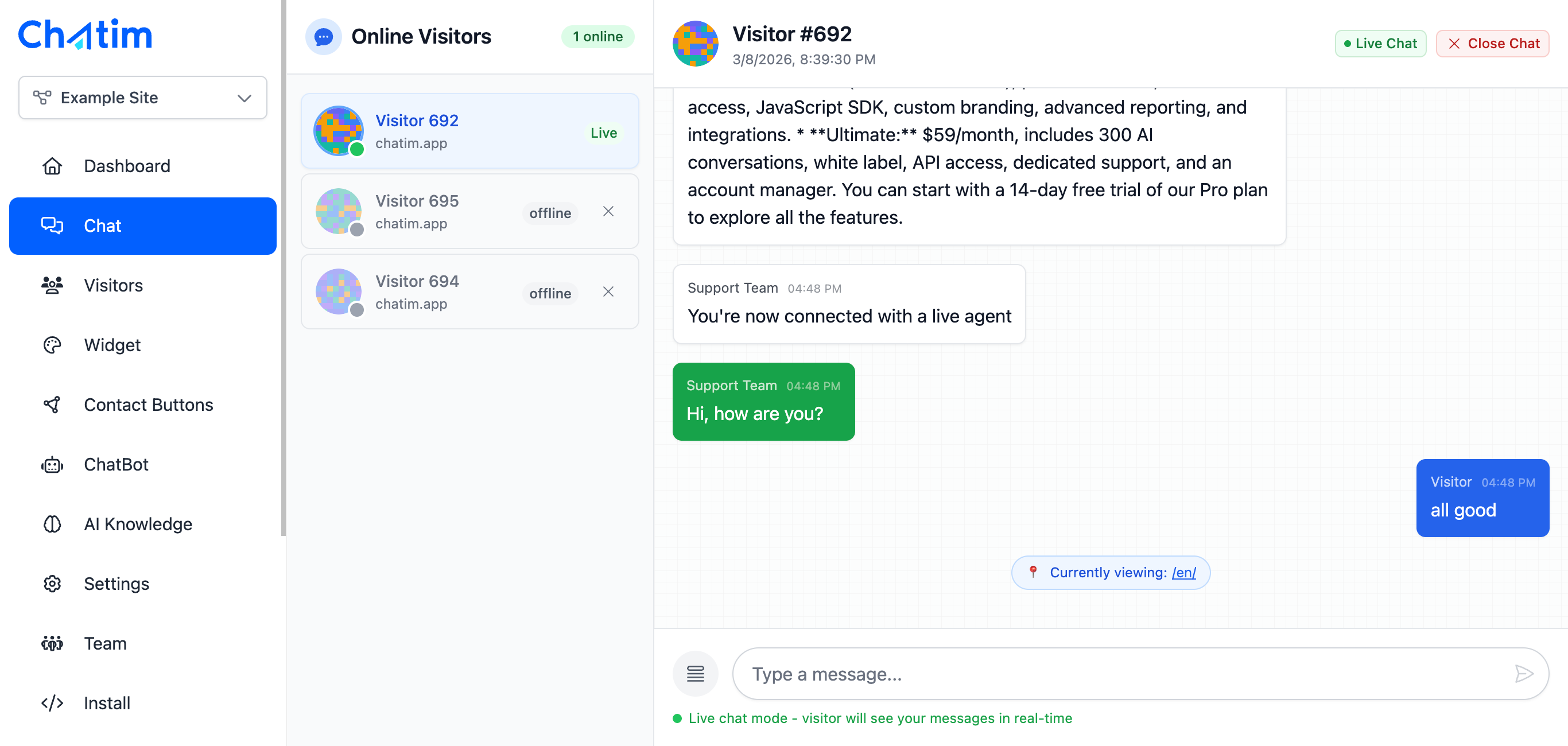
Live Chat is one of your contact options. When visitors click it, your full chat widget opens for real-time conversations with your team or chatbot - no extra setup needed.
Works with your favorite tools
Add contact buttons to any platform in minutes - no coding required.
Reply to chats directly from Slack threads
Read more →One-click plugin install for WordPress sites
Read more →Add live chat to your Shopify store
Read more →Embed the widget on any Wix website
Read more →Drop-in chat for Squarespace pages
Read more →Add chat to Webflow with a code snippet
Read more →Live chat support for Magento stores
Read more →Script or SDK install for Next.js apps
Read more →Deploy via GTM without touching code
Read more →Full control with our JavaScript API
Real-time event notifications to your server
Read more →Quick setup for Site123 websites
Read more →Sync chat leads to your Pipedrive CRM
Read more →Get chat notifications in Telegram
Read more →Chat with visitors via WhatsApp Business
Read more →Reply via Facebook Messenger & Instagram DM
Read more →Connect with 5,000+ apps through Zapier
Read more →Sync contacts and chats with HubSpot CRM
Read more →Why businesses add contact buttons
More contact options means fewer lost visitors and more conversations that convert.
- Meet Customers Where They Are
- Not everyone wants to use live chat. Some prefer WhatsApp, others want to call. Contact buttons let every visitor choose their preferred channel - removing friction and starting more conversations.
- Always Visible, Never in the Way
- A floating button stays accessible on every page without cluttering your design. Visitors hover or tap to see all options. Clean, minimal, and always there when they need it.
- Replace Multiple Plugins
- Stop installing separate widgets for WhatsApp, Telegram, phone, and chat. One contact button handles all your channels, keeping your site fast and your code clean.

Individual results vary. Testimonials reflect the experience of these customers and are not a guarantee of results.
Frequently asked questions
Everything you need to know about Chatim
What are Contact Buttons?
Which contact channels are supported?
How does the button expand?
Can I customize the appearance?
How do I set up WhatsApp or Telegram?
Does it work on mobile?
How many channels can I enable?
Is it free?
Can I use it alongside Live Chat?
How do I add it to my website?
Can I choose animation and trigger styles?
Does adding contact buttons slow down my website?
Start talking to your visitors today
Install the widget in five minutes, train the AI on your site, and never miss a lead again. Free plan included.
No credit card required