Live Chat with Adobe Experience Platform
Deploy Chatim through Adobe Experience Platform Tags (formerly Adobe Launch). Use rules-based deployment, data elements, and your existing Adobe tag management workflow to add live chat and chatbot automation to your enterprise website.
Boost Sales
Live chat converts visitors into customers
24/7 Automation
Chatbot captures leads outside business hours
Better Support
Instant responses improve customer satisfaction
Easy Setup
Get started in minutes without coding
Enterprise-grade chat deployment through Adobe Tags
If your organization uses Adobe Experience Platform for tag management, deploying Chatim follows the same workflow your team already knows.
Adobe Tags Integration
Add Chatim as a custom code action in Adobe Experience Platform Tags. Create a rule, set your conditions, paste the Chatim snippet as the action, and publish through your existing library workflow. Follows the same process your team uses for analytics and marketing tags.
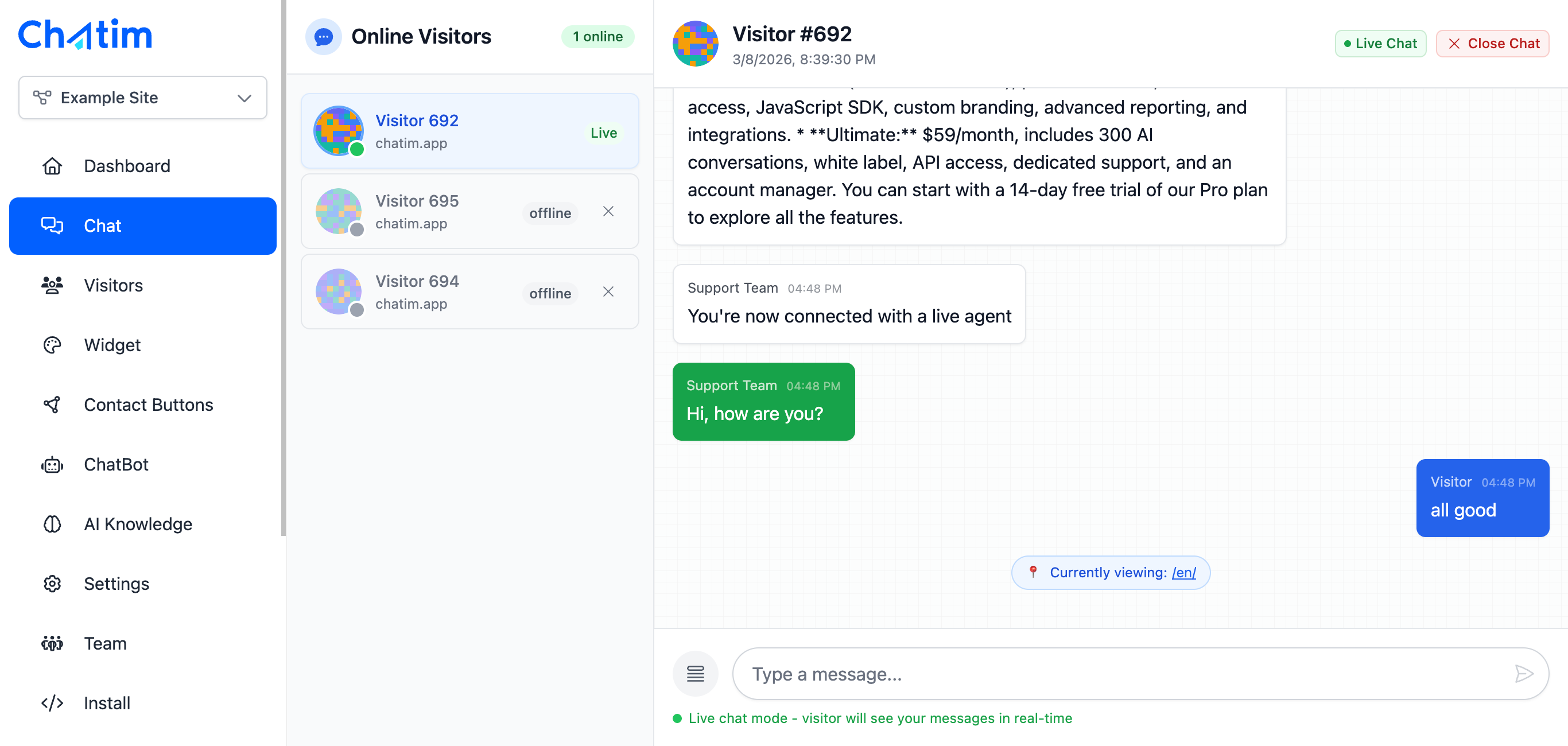
Rules-Based Chat Deployment
Use Adobe Tags rules to control where and when Chatim loads. Deploy chat on specific page types, for specific user segments, or based on data layer values. Combine with data elements to pass visitor context to the chat widget automatically.

Compliance-Ready Chat Solution
Enterprise organizations need tools that fit their compliance requirements. Chatim is GDPR compliant, and deploying through Adobe Tags means your existing consent management and governance workflows apply to the chat widget automatically.
Works with your favorite tools
Deploy Chatim through Adobe Tags alongside your existing Experience Cloud tools.
Reply to chats directly from Slack threads
Read more →One-click plugin install for WordPress sites
Read more →Add live chat to your Shopify store
Read more →Embed the widget on any Wix website
Read more →Drop-in chat for Squarespace pages
Read more →Add chat to Webflow with a code snippet
Read more →Live chat support for Magento stores
Read more →Script or SDK install for Next.js apps
Read more →Deploy via GTM without touching code
Read more →Full control with our JavaScript API
Real-time event notifications to your server
Read more →Quick setup for Site123 websites
Read more →Sync chat leads to your Pipedrive CRM
Read more →Get chat notifications in Telegram
Read more →Chat with visitors via WhatsApp Business
Read more →Reply via Facebook Messenger & Instagram DM
Read more →Connect with 5,000+ apps through Zapier
Read more →Sync contacts and chats with HubSpot CRM
Read more →Why enterprise teams deploy Chatim through Adobe Tags
Same workflow, same governance, same team. Just add live chat.
- Fits Your Existing Adobe Stack
- If you're already running Adobe Analytics, Adobe Target, or other Experience Cloud products through Adobe Tags, Chatim slots right in. No new deployment pipelines, no new approval processes. Your digital marketing team manages chat alongside everything else.
- Governance and Approval Workflows
- Adobe Tags supports library workflows with development, staging, and production environments. Deploy Chatim through the same approval chain your organization uses for all other tags. Test in staging before going live.
- Scale Chat Across Multiple Properties
- Manage Chatim deployment across multiple web properties from a single Adobe Tags setup. Use different rules and configurations per property while maintaining centralized control. Ideal for enterprise organizations with multiple brands or regional sites.

What our customers say
Reviews from Chatim customers on Trustpilot
Individual results vary. Testimonials reflect the experience of these customers and are not a guarantee of results.
Frequently asked questions
Everything you need to know about Chatim