Wix Chatbot: How to Add One and What It Can Do (2026)
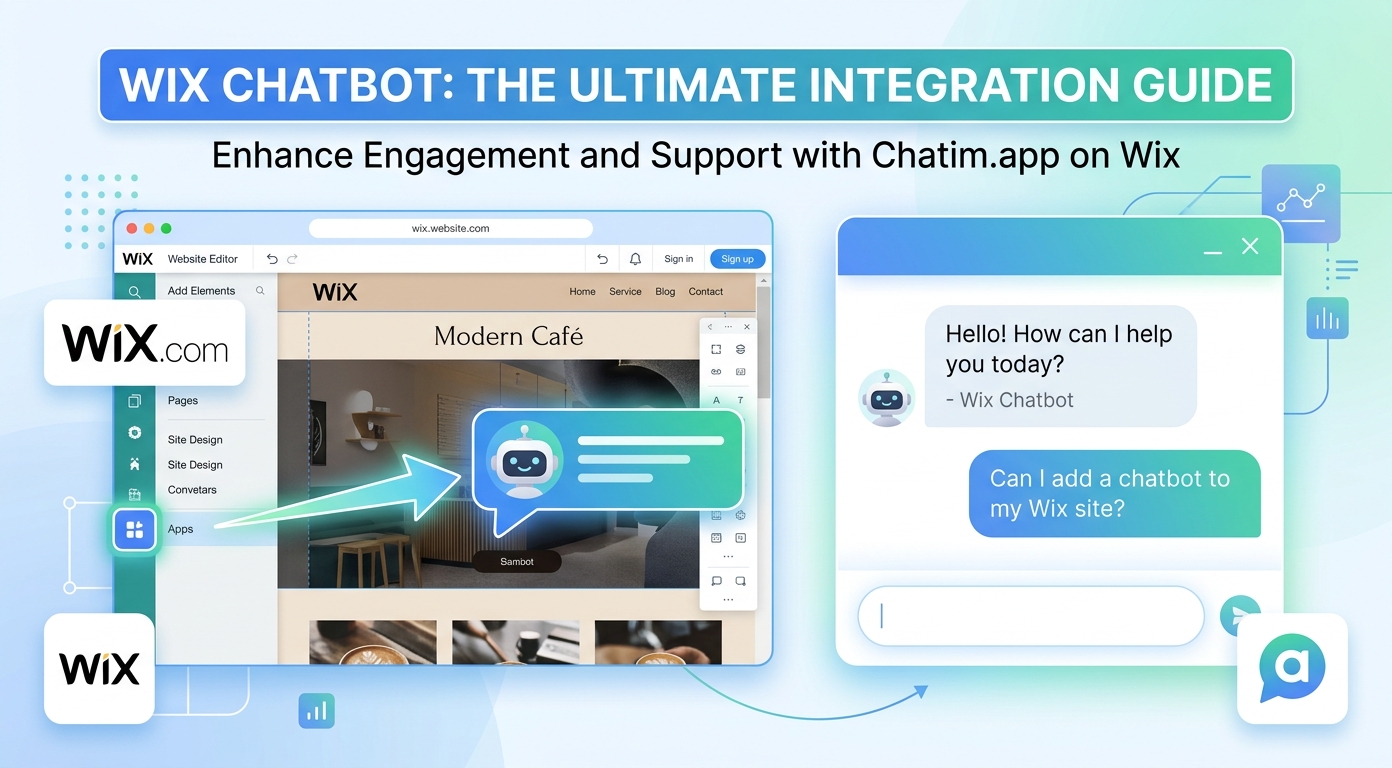
Most Wix sites are not stores; they are service businesses, studios, practices, and portfolios, which changes what a Wix chatbot is actually for. The visitor is rarely asking where a package is. They are asking whether you do the thing they need, what it roughly costs, and whether they can book you, and they are asking at 9 p.m. after comparing three other sites. A bot trained on your own pages answers those questions while the interest is warm, captures the lead when you are away, and hands anything delicate to you with the conversation attached. This guide covers what a chatbot does on a Wix site, how to add one, and how to launch in an afternoon.
If you are new to the category itself, our chatbot guide covers the fundamentals; this page stays Wix-specific and practical.
The four questions Wix site visitors actually ask
Across service sites, stores, and portfolios, the questions cluster into four families, and naming yours tells you what to configure first.
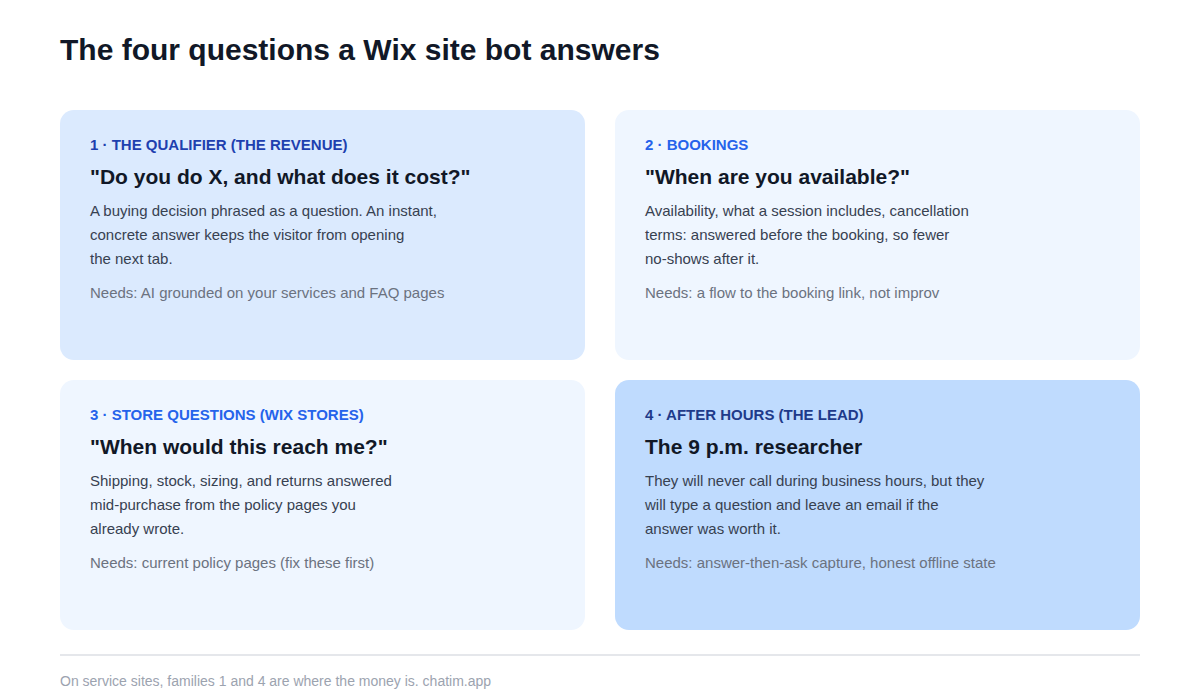
First, the qualifying question: "do you do X, and what does it roughly cost?" This is a buying decision phrased as a question, and an instant answer keeps the visitor from opening the next tab. Second, booking help: when you are available, how to reschedule, what a session includes. Third, for sites selling through Wix Stores: shipping, stock, and order questions, the classic store family. And fourth, the after-hours visit, which on a service site is the most common kind: the evening researcher who will never call during business hours but will happily type a question and leave an email.
AI answers vs scripted flows on a Wix site
The reliable split: AI for free-form questions, flows for structured intake. The AI half answers from your actual pages (services, pricing page if you have one, FAQ, policies), which means its ceiling is set by what those pages say; the half hour you spend making your services page concrete is secretly the best bot configuration you can do. The flow half handles the moments that should never improvise: collecting a quote request field by field, walking a visitor to the right booking link, capturing name and email with one qualifying question, and taking a message after hours with a promised reply time. Serious tools ship both halves together, so this is configuration, not a purchase decision.
How to add a chatbot to your Wix site
The mechanics are the short part: install from the Wix App Market or paste the widget's embed code into your site settings, and the chat appears across pages. The setup that decides the outcome comes next: point the bot at your real pages and FAQ, write honest answers for the ten questions you get most (in the phrasing clients actually use), set the offline behavior to collect an email with a promised reply window, and match the widget to your site's design so it reads as part of the brand. Then test it like a skeptic: wrong service names, price haggling, questions you do not want answered, typos throughout. Our live chat for Wix page covers the install path and the human inbox side end to end.
The lead-capture job, done politely
For service businesses, the bot's biggest job is turning anonymous evening traffic into named inquiries, and the polite version outperforms the pushy one. The pattern that works is answer-then-ask: the visitor gets a real answer to their question first, and only then does the bot offer the next step ("want me to send you the details, or set up a time with [name]?"). Compared with a static contact form, the conversation earns the email by being useful, qualifies gently with one question rather than a form's ten fields, and works while you sleep. Pair it with a lead generation template for the flow skeleton, and keep your forms for the jobs forms are still better at: long intake, uploads, and anything legal.
What to look for in a Wix chatbot
Six checks separate the useful from the decorative. Training on your own site content, with re-sync when pages change. Lead-capture flows with a clean handoff of the collected details into your inbox or CRM. A human handoff that carries the transcript, so a promising conversation never restarts. Widget styling deep enough to match your template, because a mismatched widget reads as a third-party ad. Multilingual answers if your clients write in more than one language. And per-plan pricing rather than per-conversation metering. The one question that cuts through every marketing page still applies: what does the bot do when it does not know? Escalation is the right answer; improvisation is the expensive one. Our live chat software comparison ranks the chat-plus-bot field on exactly these lines.
Mistakes Wix site owners make with bots
Letting the bot improvise about prices, which creates quotes you never gave. Firing a greeting at every visitor on arrival instead of one restrained prompt on real intent. Leaving the widget in default colors on a carefully designed site. Hiding the path to a human, which on a service site means hiding the path to the sale. Training it on nothing and hoping, which works exactly as well as it sounds. And skipping the weekly transcript read, which is where you would have caught all of the above, plus a list of what your site's pages forgot to say.
What to expect by site type
Service businesses and practices get the biggest win: qualified leads captured after hours and the phone-tag loop shortened to a chat thread. Sites with bookings get fewer no-shows on the front end, because questions about availability and what-to-expect get answered before the booking, not after. Wix Stores owners get the store family: shipping, stock, and policy questions answered mid-purchase. Portfolios and creators use the bot as a polite gatekeeper: it answers the common inquiry, shares rates ranges you approved, and collects serious briefs while filtering the rest. In every case the free tier covers the experiment, and paid plans earn their keep only when conversation volume proves it.
An afternoon launch plan
Pull your last fifty inquiries from email, chat, and DMs, and list the ten questions that repeat. Tighten the pages those questions expose, especially services and FAQ. Install the widget, point the bot at the fixed pages, build one lead-capture flow with the answer-then-ask pattern, brand the widget, set the honest offline state, and spend an hour trying to break it before visitors do. Then read every transcript for two weeks: the questions the bot missed are your next content fixes, and the moment a transcript shows a visitor asking to talk to someone, make sure that path felt like a door. That loop, kept weekly, is the difference between a widget that decorates a site and one that quietly books the calendar.
More on this from our team: website builders and Squarespace live chat.
Frequently Asked Questions
What is a Wix chatbot?
A chat widget on a Wix site that answers visitors' questions automatically from the site's own pages (services, FAQ, policies), captures leads and booking inquiries through structured flows, and hands anything delicate to the owner with the conversation attached. Modern versions understand free-form questions rather than only button clicks.
Does Wix have a built-in chat?
Wix ships a built-in chat feature that covers basic visitor messaging and saved replies. Third-party widgets add the layer service businesses usually want on top: AI answers trained on your pages, qualifying lead flows, multilingual replies, and a transcript-carrying handoff into a shared inbox. Many sites start built-in and upgrade when inquiries grow.
How do I add a chatbot to my Wix website?
Install one from the Wix App Market or paste the widget's embed code into your site settings; either way it appears across your pages without code. The work that matters follows: point the bot at your real pages, write answers for your ten most-asked questions, set honest offline behavior, and test before visitors arrive.
Is there a free chatbot for Wix?
Yes; free tiers in the category typically include the widget, a bot trained on your content, lead capture, and basic handoff, which covers a small site's needs comfortably. Paid plans add team seats, deeper automation, and integrations. Prefer per-plan pricing over per-conversation metering, which charges most in your best months.
Can a Wix chatbot capture leads?
It is arguably the main job. The pattern that converts is answer-then-ask: give the visitor a real answer first, then offer the next step and collect a name and email with at most one qualifying question. Compared with a static form, the conversation earns the contact details by being useful, and it works after hours.
Can it help with bookings and appointments?
Yes, in two ways: answering the questions that precede a booking (availability, what a session includes, cancellation terms) and walking the visitor to the right booking link or collecting the request when the calendar is closed. Rescheduling requests are best collected by flow and confirmed by a person.
Does it work with Wix Stores?
Yes; store sites get the classic ecommerce family: shipping, stock, sizing, and policy questions answered mid-purchase from your pages, with order questions routed to you with context. If your store is the main event, configure the policy pages first, since they are what the bot answers from.
Can the bot answer in my visitors' languages?
Generally yes; modern bots reply in the language the visitor writes, even when the site content is in one language. If a second language matters to your client base, spot-check those transcripts after launch rather than assuming the quality matches.
Will a chat widget slow down my Wix site?
A well-built widget loads asynchronously after your content and has no meaningful effect on perceived speed. Verify on your own site: run your usual speed check before and after installing, and compare, rather than taking any vendor's word for it.
Should I use AI answers or scripted flows?
Both, split by job: AI for free-form questions answered from your pages, flows for structured intake like quote requests, bookings, and after-hours messages. Anything involving prices you have not published belongs in a flow or with you, not with an improvising model.
How do I keep the bot from quoting wrong prices?
Ground it only in pages you keep current, block pricing topics you have not published, and route custom-quote conversations to a flow that collects the brief for you to price. A bot that says "pricing depends on the project; let me grab a few details and [name] will send a quote" is doing that job correctly.
Does it work on the mobile version of my site?
Yes, and mobile deserves its own check: the collapsed widget must not cover buttons or content, the open chat should dismiss in one tap, and any proactive prompt should be rarer than on desktop. A widget that annoys mobile visitors costs more than it captures.
How do I know if the bot is working?
Count named inquiries it captures, questions resolved without you, and after-hours conversations that would previously have bounced. Read the transcripts weekly; the questions it missed are your site's content gaps, and the tone of the asks tells you whether the widget feels like a door or a wall.
Related articles
More in Ecommerce & platforms → Best Shopify Apps to Increase Sales & Conversions (2026)
12 Shopify apps to increase sales and conversions, sorted by the lever each one pulls: AOV, hesitant visitors, lost carts, trust, repeat buyers.
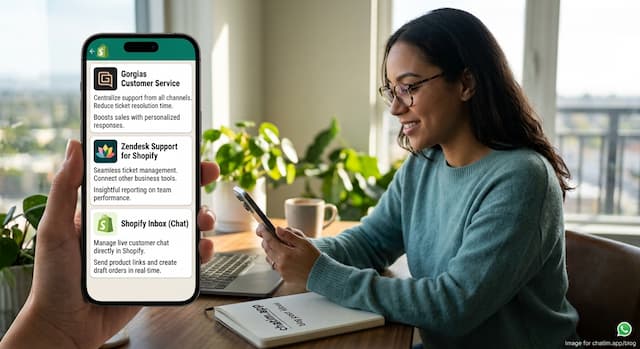 Best Shopify Apps for Customer Service in 2026: 9 Compared
9 customer service apps for Shopify stores compared: the free native option, chat widgets, and ecommerce helpdesks, with verified pricing.
 WooCommerce Chatbot: What It Does and How to Add One (2026)
What a WooCommerce chatbot does for a store: product and order questions answered from your own pages, plus how to add one without plugin bloat.
 Webflow Live Chat: How to Add It and Hand It Off (2026)
How to add live chat to a Webflow site, keep it on-design, turn it into a lead engine on marketing sites, and ship it as an agency deliverable.