Shopify Chatbot: What It Can Do for Your Store (2026)
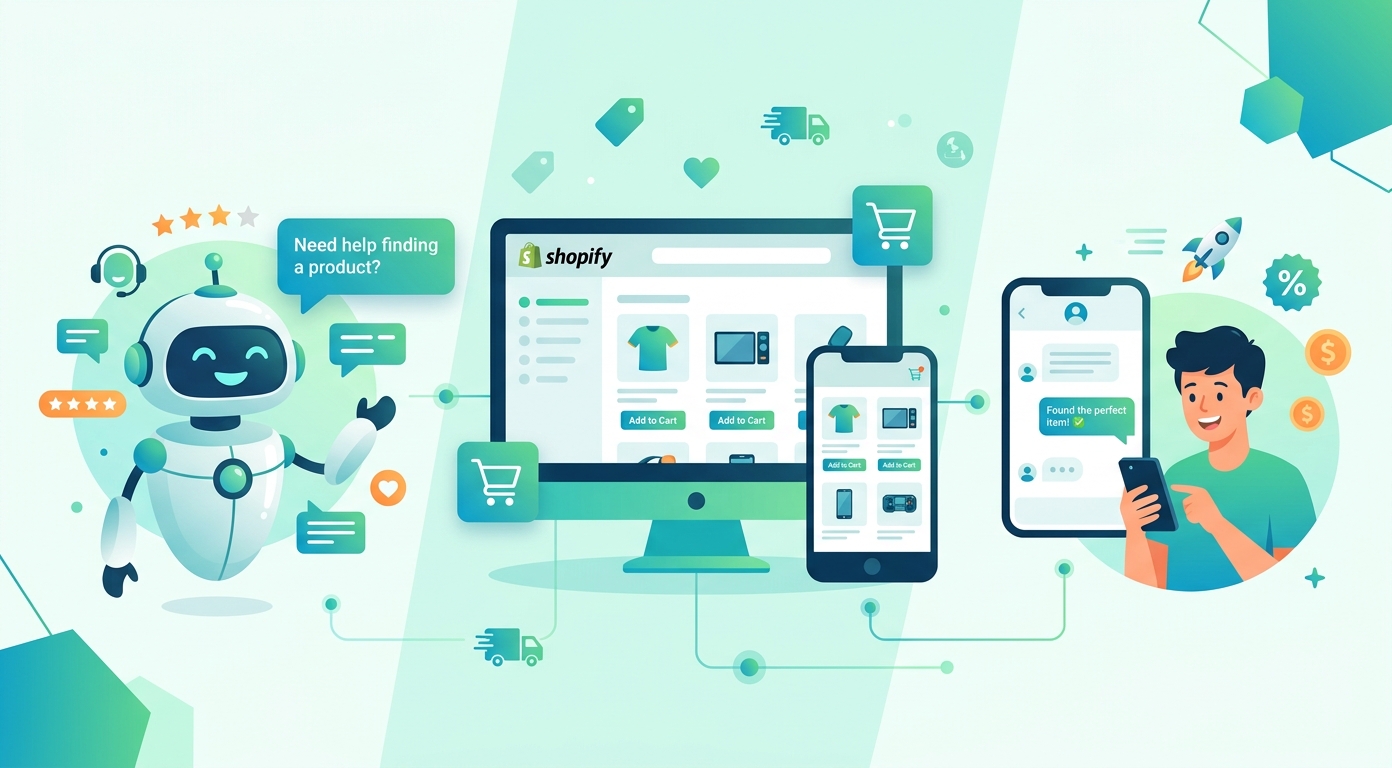
A Shopify chatbot earns its place in the minutes before a purchase, not after one. Shoppers arrive with small, specific doubts (does this fit true to size, when would it reach me, can I return it if not), and every doubt that goes unanswered while the interest is warm is a cart that quietly empties itself. A bot trained on your store's own pages and policies answers those questions in seconds, at 2 a.m., in the shopper's language, and hands anything delicate to you with the conversation attached. This guide covers what a chatbot actually does for a Shopify store, how to add one, what separates useful apps from demo theater, and how to launch in an afternoon.
If you are comparing specific apps first, our best live chat for Shopify roundup ranks the field; this page is about what the bot should do once installed.
The four questions store bots actually answer
Store traffic asks remarkably predictable things, and the value of a bot is that the predictable half stops costing you sales and time.
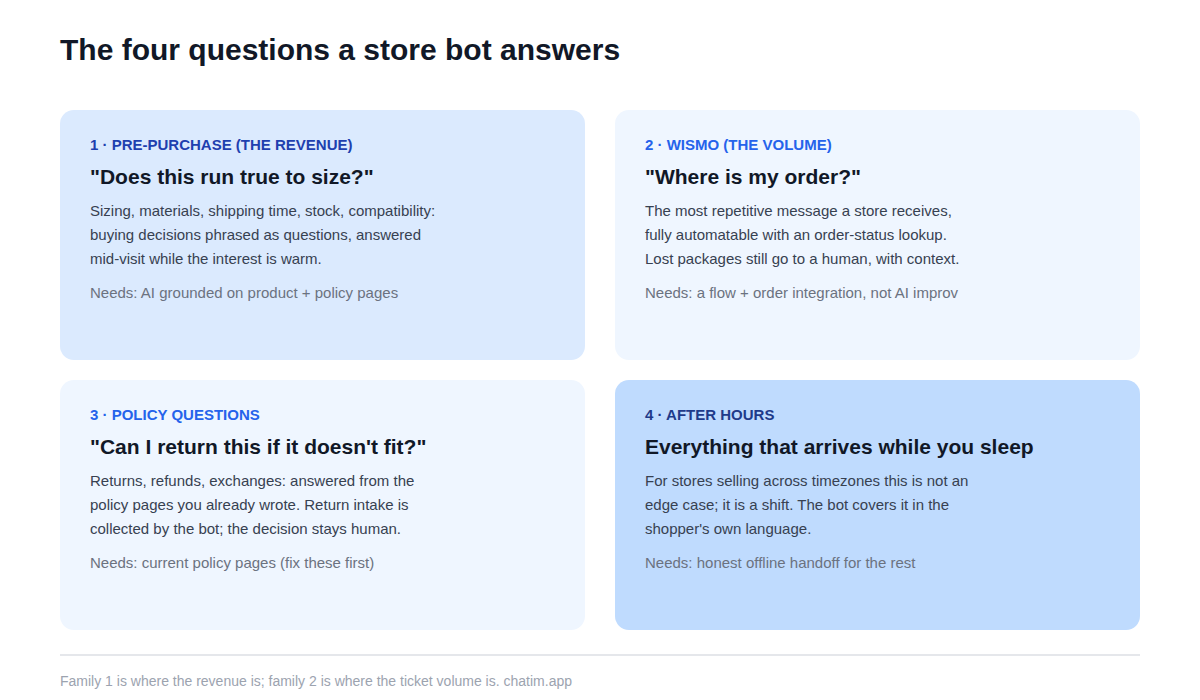
Pre-purchase product questions come first and matter most: sizing, materials, shipping times, stock, compatibility. These are buying decisions phrased as questions, and answering them mid-visit is the closest thing ecommerce has to a fitting-room assistant. Second, the eternal "where is my order?": the single most repetitive message a store receives, and fully automatable once the bot can look up order status. Third, policy questions: returns, refunds, exchanges, answered from the policy pages you already wrote. And fourth, everything that arrives while you sleep, which for stores selling across timezones is not an edge case but a shift.
AI answers vs scripted flows: a store needs both
The split that works in a store is the same one that works everywhere, with Shopify-specific lines. The AI half answers free-form questions from your content: product pages, policy pages, FAQ, shipping information. Its accuracy is set by those pages, which is why cleaning up your shipping and returns pages is secretly the highest-leverage "bot configuration" you can do. The flow half handles structured tasks that should never improvise: order-status lookups, discount-code delivery, back-in-stock signups, and collecting the details a return needs before a human approves it. If you are new to the wider category, our chatbot guide covers the fundamentals; the store-specific point is that product questions deserve AI and money-adjacent tasks deserve flows.
How to add a chatbot to your Shopify store
Installation is the short part: install the app from the app store or add the widget through your theme, and the chat appears storewide. The setup that determines the result happens next. Point the bot at your real content: policy pages, FAQ, and the product catalog. Connect the order lookup so "where is my order" resolves itself. Match the widget to your theme so it reads as part of the store, set the offline behavior honestly, and test it like a hostile shopper: wrong sizes, made-up products, refund edge cases, a typo in every message. Our live chat for Shopify page covers the install and setup path end to end, including the human side of the inbox.
What separates useful apps from demo theater
Six things to check before committing. Training on your store's content, with re-sync when products and policies change. Order-status lookup, because WISMO volume is where the time savings live. A human handoff that carries the transcript into a shared inbox you will actually staff. Widget customization deep enough to match your theme. Multilingual answers if you sell across borders, since shoppers write in their own language regardless of your store's. And per-plan pricing rather than per-conversation metering, which on a busy store converts your best month into your biggest software bill. One question cuts through any app's marketing: what does the bot do when it does not know? The good ones escalate; the demo-built ones improvise.
Chat and hesitant carts, honestly
The connection between chat and abandoned carts is real but narrower than the pitches suggest. A bot does not rescue carts with pop-ups; it prevents some abandonment by removing the doubt that causes it, in the moment it forms. The honest playbook: answer shipping-cost and delivery-time questions instantly (the classic checkout hesitations), offer one restrained proactive prompt on a long checkout pause rather than chasing every visitor, and read the transcripts weekly, because the questions shoppers ask right before leaving are a list of what your product pages failed to say. Fix the pages and the bot both improve; that loop, not any single feature, is where stores win.
Mistakes stores make with bots
Greeting-spamming every visitor on arrival, which trains shoppers to close the widget before it can ever help. Training the bot on nothing and letting it improvise about products, which ends with invented sizing advice and a return you paid for twice. Hiding the path to a human to keep the automation numbers pretty. Leaving last season's shipping promises in the policy pages the bot answers from. And installing during a rush week with no testing, so the first hundred shoppers meet the bot at its worst. All five are avoidable with an afternoon of setup and a weekly half hour of transcript reading.
What to expect by store size
A one-person store gets the biggest relative win: after-hours coverage and WISMO automation effectively add a support shift without adding a person. Growing stores feel it in the team: the repetitive half of tickets disappears, and the humans spend their time on exchanges, complaints, and the conversations that decide reviews. High-volume stores should watch two things: the pricing meter, and the handoff quality under load, because a bot that escalates poorly at scale creates the queue it was meant to prevent. At every size, the online store template patterns (order status, returns intake, product Q&A) are the starting flows worth copying rather than inventing.
An afternoon launch plan
Pull your last hundred customer messages and list the ten questions that repeat. Fix the policy and shipping pages those questions expose. Install the app, point the bot at the fixed pages plus the catalog, connect order lookup, brand the widget, set the honest offline state, and attack it for an hour before shoppers do. Then read every transcript for two weeks and expand from the evidence. The free tier of a chat-plus-chatbot app covers this whole experiment, and paid plans can wait until transcript volume proves the bot is carrying real weight. For the broader picture of what good ecommerce support looks like around the bot, our ecommerce customer experience guide picks up where this one ends.
Related reading: promoting a Shopify store and WooCommerce chatbots.
Frequently Asked Questions
What is a Shopify chatbot?
A chat widget on a Shopify store that answers shoppers' questions automatically: product details, shipping times, order status, and return policies, drawn from the store's own pages and catalog. Modern versions understand free-form questions and hand anything delicate to a human with the conversation attached.
Does Shopify have a built-in chatbot?
Shopify ships basic built-in messaging, which covers simple saved replies and order lookups. Third-party apps add the layer most stores actually want: AI answers trained on your product and policy pages, structured flows, multilingual replies, and a proper handoff into a staffed inbox. Many stores start built-in and upgrade when volume proves the need.
How do I add a chatbot to my Shopify store?
Install the app from the app store or through your theme, then do the part that matters: point the bot at your policy pages, FAQ, and catalog, connect order-status lookup, match the widget to your theme, set honest offline behavior, and test it with hostile questions before shoppers meet it. No code is required.
Is there a free chatbot for Shopify?
Yes; free tiers in the category typically include the widget, a bot trained on your content, and basic handoff, which comfortably covers a small store's first year. Paid plans add seats, deeper automation, and integrations. Watch the pricing model: per-conversation metering gets expensive exactly when your store gets busy.
Can a chatbot answer "where is my order" automatically?
Yes, and for most stores it is the single highest-volume message, so this one integration often justifies the whole setup. The bot looks up the order by number or email and replies with live status and tracking. Anything unusual, like a lost package, should route to a person with the order context attached.
Can a Shopify chatbot recommend products?
Within limits. Grounded on your catalog, it can answer "which of these fits X" style questions and point shoppers to the right collection or variant, which is the useful version. Treat full personal-shopper claims skeptically and test them against your own catalog before turning them on.
Does a chatbot help with abandoned carts?
Indirectly but genuinely: it removes the doubts that cause abandonment (shipping cost, delivery time, returns) in the moment they form, and a single restrained prompt on a long checkout pause can invite the question the shopper was about to leave with. It is prevention, not rescue; recovery emails remain a separate tool.
Can the bot handle returns and refunds?
It should explain the policy from your pages and collect the details a return needs (order number, item, reason, photos), then hand the decision to a human. Letting a bot approve refunds unsupervised is how automation stories end up in screenshots; collection yes, judgment no.
Will a chat widget slow my store down?
A well-built one loads asynchronously after your page content and has no meaningful effect on speed or Core Web Vitals. Verify it on your own store rather than taking any vendor's word: run your usual speed check before and after install and compare.
Can it answer shoppers in other languages?
Generally yes; modern bots reply in the language the shopper writes, even when your store content is in English. If a specific market matters to you, spot-check transcripts in that language after launch rather than assuming the quality matches.
Should the bot use AI or scripted flows?
Both, split by stakes: AI for free-form product and policy questions, grounded in your pages; scripted flows for structured, money-adjacent tasks like order lookups, discount codes, and return intake. Every serious app now ships both, so it is a configuration decision, not a purchase decision.
What should I look for in a Shopify chatbot app?
Training on your store content with re-sync, order-status lookup, a transcript-carrying handoff into a real inbox, theme-level widget customization, multilingual answers if you sell across borders, and per-plan pricing. Then ask the one revealing question: what does it do when it does not know?
How do I know if the bot is helping my store?
Watch conversations resolved without a human that did not come back, the share of WISMO handled automatically, pre-purchase questions answered (read a sample and check the answers were right), and CSAT as a trend. The weekly transcript read is also your best product-page editor: what shoppers ask is what your pages forgot to say.
Related articles
More in Ecommerce & platforms → Best Shopify Apps to Increase Sales & Conversions (2026)
12 Shopify apps to increase sales and conversions, sorted by the lever each one pulls: AOV, hesitant visitors, lost carts, trust, repeat buyers.
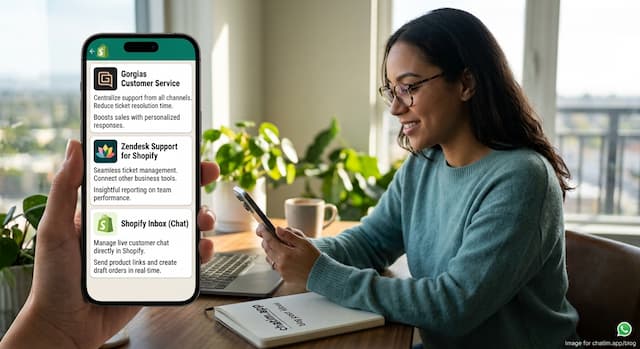 Best Shopify Apps for Customer Service in 2026: 9 Compared
9 customer service apps for Shopify stores compared: the free native option, chat widgets, and ecommerce helpdesks, with verified pricing.
 WooCommerce Chatbot: What It Does and How to Add One (2026)
What a WooCommerce chatbot does for a store: product and order questions answered from your own pages, plus how to add one without plugin bloat.
 Wix Chatbot: How to Add One and What It Can Do (2026)
What a Wix chatbot can do for your site: answer service questions, capture leads politely, help with bookings and store orders, and cover after-hours.