Deploy Live Chat via Google Tag Manager
Add Chatim to your website through GTM in under 5 minutes. No code changes, no developer tickets, no deployment cycles. Your marketing or ops team can deploy, update, and control live chat entirely through Google Tag Manager.
Boost Sales
Live chat converts visitors into customers
24/7 Automation
Chatbot captures leads outside business hours
Better Support
Instant responses improve customer satisfaction
Easy Setup
Get started in minutes without coding
Full control over chat deployment with GTM
Deploy Chatim where you want, when you want, and to who you want - all through Google Tag Manager's familiar interface.
One-Tag GTM Setup
Create a Custom HTML tag in GTM, paste the Chatim snippet, set the trigger to 'All Pages', and publish. Your live chat widget goes live across your entire site without touching any source code. The same process works for Google Tag Manager 360.
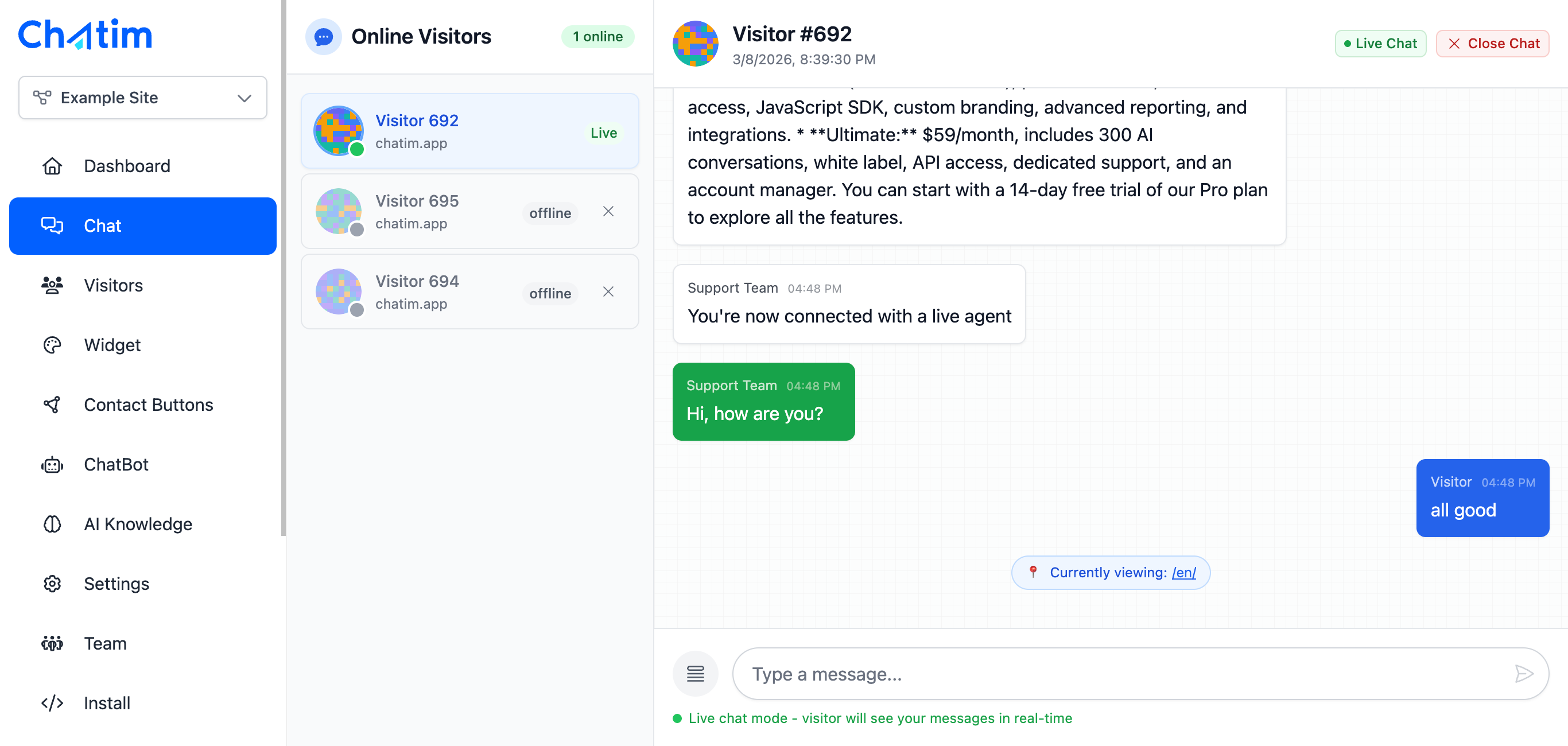
Control Chat With GTM Triggers
Use GTM triggers to control exactly where and when the chat widget loads. Show chat only on pricing pages, hide it on blog posts, or display it after a user scrolls 50% down the page. Combine with GTM variables to target specific audiences or URL patterns.

Chatbot Automation Without Dev Work
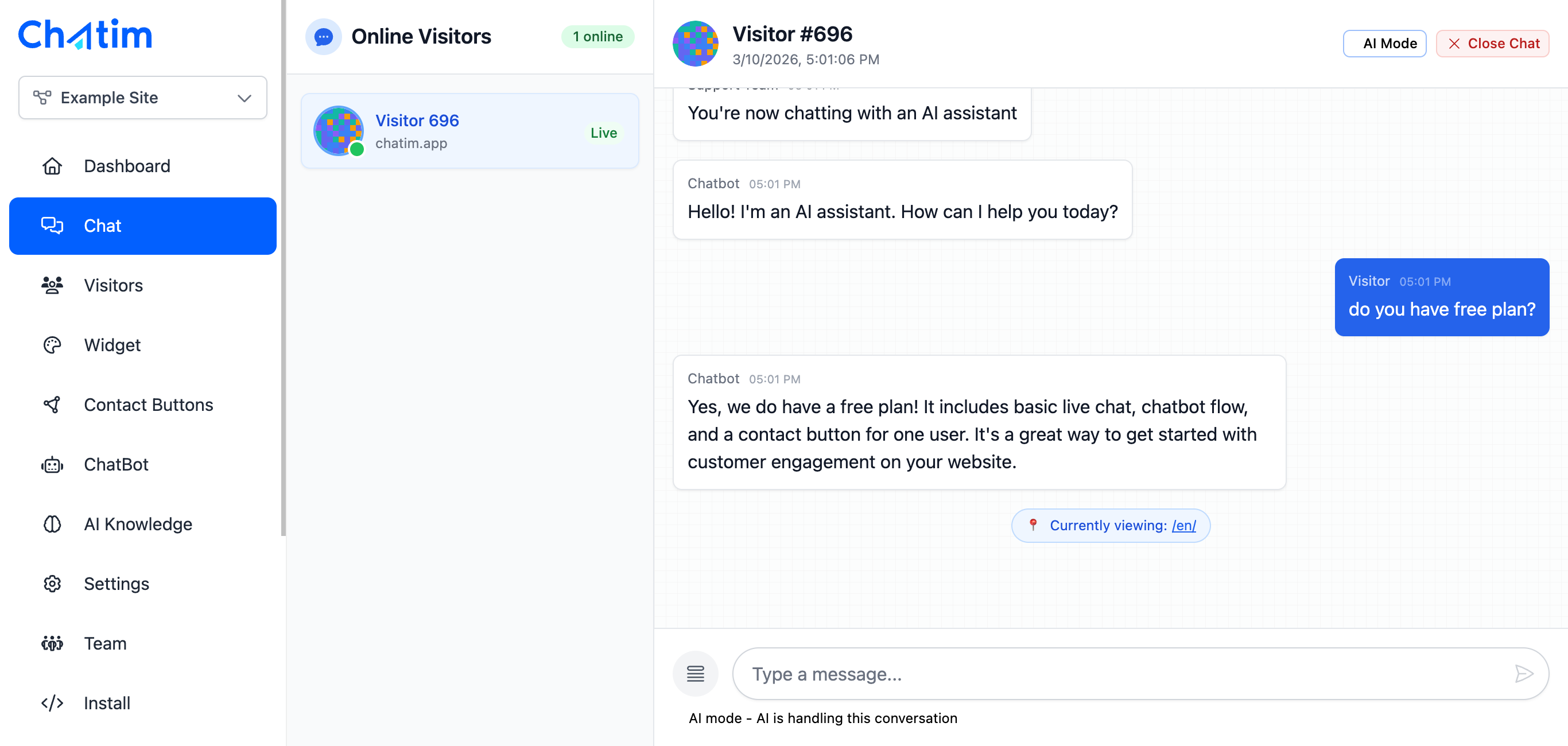
Once Chatim is deployed via GTM, set up chatbot flows from the Chatim dashboard. Automate lead capture, FAQ responses, and appointment booking. Your marketing team manages the chat experience end-to-end without opening a single code editor.
Works with Your Favorite Tools
Deploy Chatim through GTM and connect with your analytics and marketing stack.
Reply to chats directly from Slack threads
Read more →One-click plugin install for WordPress sites
Read more →Add live chat to your Shopify store
Read more →Embed the widget on any Wix website
Read more →Drop-in chat for Squarespace pages
Read more →Add chat to Webflow with a code snippet
Read more →Live chat support for Magento stores
Read more →Deploy via GTM without touching code
Read more →Full control with our JavaScript API
Real-time event notifications to your server
Read more →Quick setup for Site123 websites
Read more →Integrate through Adobe Experience Platform
Read more →Why marketing teams deploy Chatim through GTM
Ship faster, test more, depend on developers less.
- Deploy Without Developers
- If your team already uses GTM for analytics and marketing tags, adding live chat is the same workflow. No pull requests, no staging environments, no waiting for the next release. Deploy Chatim today and start talking to visitors immediately.
- A/B Test Your Chat Strategy
- Use GTM's built-in features to test different chat configurations. Show the widget on some pages and not others, trigger it at different scroll depths, or test different chatbot greetings. Measure what drives more conversations and leads.
- Integrate With Your Analytics Stack
- Since Chatim runs through GTM, you can fire Google Analytics events when chats start, leads are captured, or chatbot flows complete. Connect chat data with your existing reporting without any custom development.

Trusted by businesses worldwide
See what our customers have to say about Chatim
“I run an auto body shop, and finding the time to chat with people online was pretty much impossible until we got ourselves live chat software that comes with its own chatbot. It's like hiring an extra set of hands that always stays energized. Since we started using Chatim, we've noticed more customers coming our way.”

“Juggling training sessions with answering online queries was like trying to dodge punches blindfolded – practically impossible. But since we added Chatim software and its knockout chatbot, we've landed more clients than a heavyweight champ. Here's why this tech corner has been a total game-changer for us.”

Frequently Asked Questions
Everything you need to know about Chatim