HubSpot vs Zendesk in 2026: CRM Gravity or Helpdesk Depth
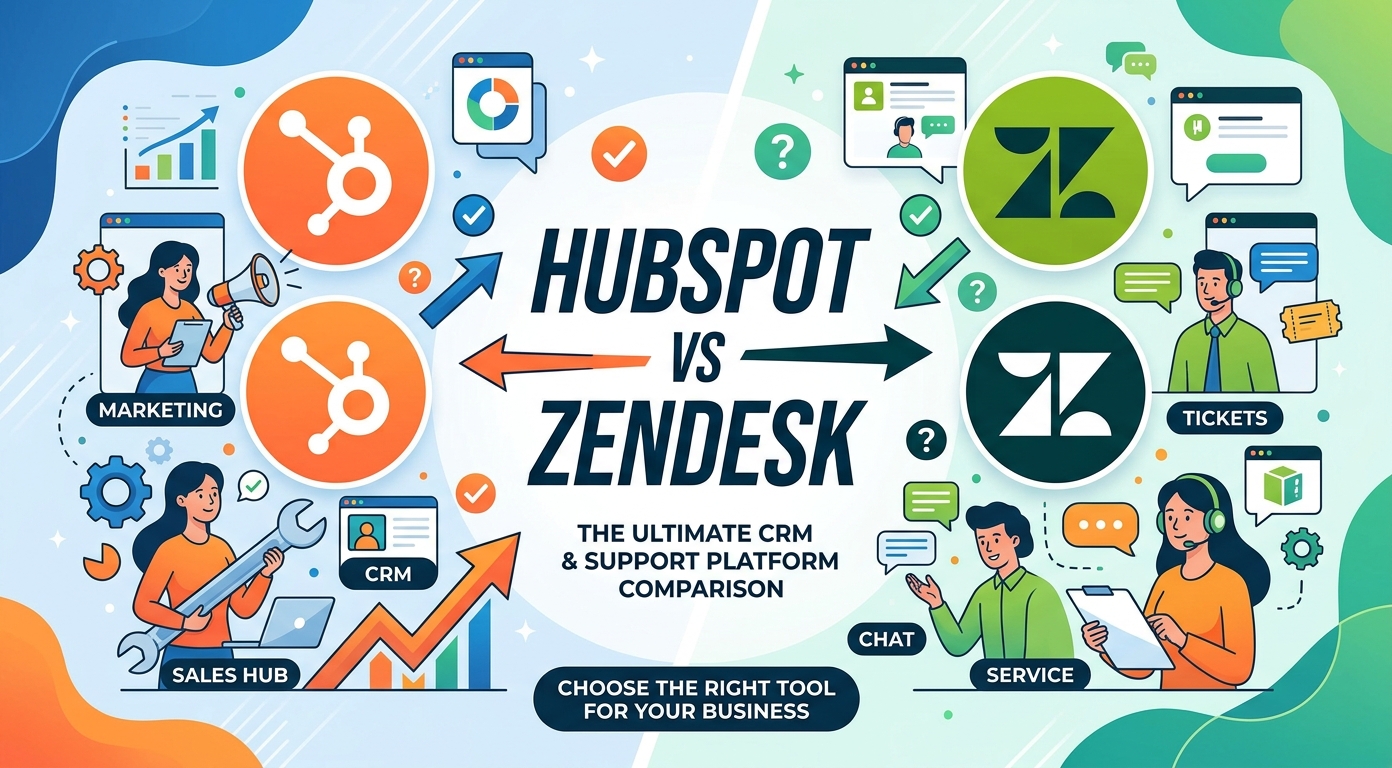
Half the teams weighing HubSpot vs Zendesk already run HubSpot's free CRM, and that fact reframes the whole question: this is less "which helpdesk is better" and more "does support belong inside the platform we already use, or in a dedicated tool beside it." The two price sheets reward different readers. HubSpot Service Hub advertises a promotional entry at $7 per seat per month (list $20), reaches $90 at Professional and $150 at Enterprise, and attaches mandatory one-time onboarding fees of $1,500 and $3,500 to those upper tiers. Zendesk runs $19 to $115 per agent per month billed annually with no onboarding toll, and itemizes its extras instead. The AI comparison is the cleanest in this series, because both vendors bill on outcomes: HubSpot's Breeze Customer Agent draws 50 credits per resolved conversation, about $0.45 at the published $9 per 1,000 credits, while Zendesk meters per automated resolution at a rate it does not print. Everything below uses July 2026 published prices.
The verdict up front
| HubSpot Service Hub | Zendesk | |
|---|---|---|
| What it is | Service tools inside the HubSpot customer platform | A standalone support suite |
| Free option | Yes: free tools for up to 2 users, chat carries HubSpot branding | Trial only (14 days, defaults to Suite Professional) |
| Entry tier | Starter, advertised from $7 per seat (list $20) | Support Team $19 (ticketing only) |
| Mid tier | Professional from $90, plus required $1,500 onboarding | Suite Team $55, no onboarding fee |
| Top tier | Enterprise from $150, plus required $3,500 onboarding | Suite Professional $115, Enterprise by quote |
| AI agent billing | 50 credits per resolved conversation ($9 per 1,000 credits) | Per automated resolution, rate not displayed |
| CRM | Native: every ticket sits on the contact record | Integrates with your CRM, including HubSpot |
| Process depth | Help desk workspace, SLAs at Enterprise | Deepest routing, SLA and workforce machinery |
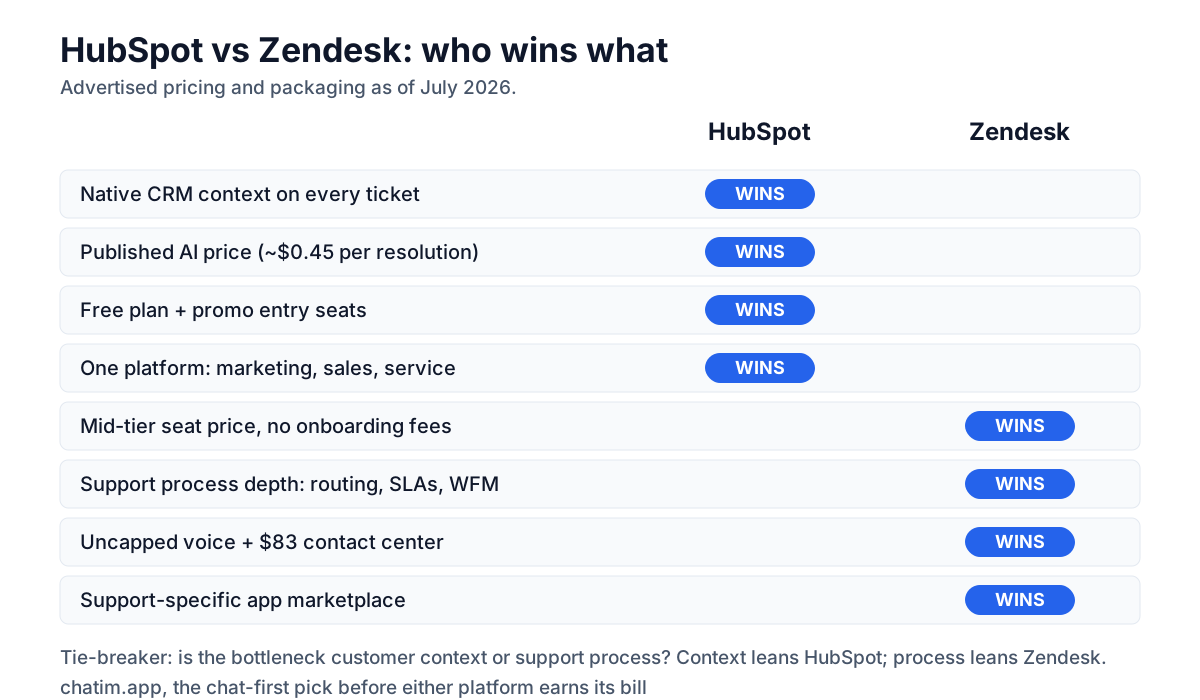
The pattern to hold onto: HubSpot publishes every number, including its AI meter, and charges you to start; Zendesk starts free of fees, runs cheaper at the mid tier, and keeps its AI rate off the page. Which one wins depends mostly on whether the CRM context or the support machinery earns more for your team.
Figures are the vendors' advertised prices as of July 2026; HubSpot's entry pricing is promotional ("starts at") and its list prices differ. Re-check both pricing pages before purchase.
One is a customer platform, one is a helpdesk
HubSpot Service Hub: support inside the CRM
Service Hub is a wing of the HubSpot customer platform, and its unit of record is the contact, not the ticket. The free tier covers 2 users with live chat (HubSpot-branded), basic ticketing and the CRM. Starter, advertised at $7 per seat per month against a struck-through $20 list price, removes the branding and adds ticket pipelines, routing, calling minutes and 500 monthly HubSpot Credits. Professional, from $90 per seat plus a required $1,500 onboarding fee, is where the product becomes a real help desk: the Breeze Customer Agent, a help desk workspace, a knowledge base, a customer portal, feedback surveys and 3,000 monthly credits. Enterprise at $150 (plus $3,500 onboarding) adds conditional SLAs, skill-based routing and customer journey analytics. HubSpot advertises that the Customer Agent resolves 70 percent or more of conversations automatically; treat that as the vendor's own number.
Zendesk: the standalone support standard
Zendesk sells support and nothing else, and prices it per agent: $19 for ticketing-only Support Team, $55 for the omnichannel Suite Team, $115 for Suite Professional, and quotes at Enterprise, all billed annually. Extras are line items rather than tiers: Copilot at $50 per agent, Workforce Engagement at $50, a full Contact Center at $83, and AI agents metered per automated resolution at an unprinted rate commonly published around $1.50. As of July 2026 the published plans include no free tier, and there is no mandatory onboarding fee; the 14-day trial defaults to Suite Professional with Copilot switched on. Its moats are process machinery and the category's deepest app marketplace.
Pricing: promo stickers, list prices, and onboarding fees
Three readings of the same price sheets, at July 2026 rates. At the entry, HubSpot's advertised $7 Starter undercuts everything in sight, and even at the $20 list price it roughly matches Zendesk's $19 Support Team while including live chat and the CRM; small teams starting from zero get more from HubSpot's ladder. At the mid tier the order flips hard: five agents cost $275 per month on Suite Team against $450 on Service Hub Professional, and HubSpot adds its one-time $1,500 onboarding, so year one runs about $3,300 against $6,900. The counterweight is that HubSpot's number includes the CRM, a customer-success workspace and enough monthly credits for roughly 60 AI resolutions, which Zendesk would bill separately. At the top, Service Hub Enterprise publishes $150 plus $3,500 onboarding while Zendesk publishes $115 and then goes quote-only, so budget certainty belongs to HubSpot and negotiating room to Zendesk.
AI: two outcome meters, one printed price
This is the rare AI matchup where both vendors bill the same event, a resolved conversation, which makes the pricing gap unusually honest. HubSpot's Breeze Customer Agent (Professional and up) draws 50 HubSpot Credits per resolved conversation, and credits are published at $9 per 1,000 on annual billing, which works out to about $0.45 per resolution; Professional's included 3,000 monthly credits cover roughly the first 60. Zendesk bills per automated resolution at a rate it does not display, commonly published around $1.50. At 1,000 AI resolutions a month that is roughly $450 on HubSpot against $1,500 on Zendesk at the cited rate, before negotiation. Two caveats keep the math honest: HubSpot Credits are a shared currency across its AI features, so other agents and enrichments draw from the same pool, and Zendesk's actual contracted rates vary because nothing is printed. HubSpot also lets a new Professional or Enterprise seat run the Customer Agent unmetered for 14 days, which is exactly the pilot window you should use, on your own tickets, before trusting either vendor's percentages.
The third option: Chatim for the chat-first team
Disclosure: Chatim is our own product. If most of your support arrives through the website widget and the ticket queue is an afterthought, both of these platforms are more machine than the job needs. Chatim pairs live chat with chatbot automation at predictable per-plan pricing, has a free tier with no onboarding fee on any plan, and ships native Shopify and WordPress integrations; add a suite later if process outgrows the widget.
Try Chatim free at chatim.app →
CRM context vs support machinery
HubSpot's structural advantage is that every conversation, ticket and survey lands on a contact record that marketing and sales already use, so support context is free and reporting spans the whole customer journey without an integration project. Zendesk's structural advantage is depth on the support side of that line: routing, macros, SLA policies, workforce management and QA tooling that Service Hub only approaches at its Enterprise tier, plus a marketplace of support-specific apps HubSpot's 2,000-app ecosystem does not match in this category. Teams whose bottleneck is context pick HubSpot; teams whose bottleneck is process pick Zendesk, and plenty of mid-market companies run HubSpot CRM with Zendesk support connected to it, which both vendors support natively.
Channels, calling minutes, and the limits to watch
Both cover chat, email, social channels and help-center content; the differences hide in the meters. HubSpot caps its WhatsApp integration at 1,000 messages per month, rations calling minutes by tier (500 on Starter, 3,000 on Professional, 12,000 on Enterprise), and limits Professional accounts to a single knowledge base with up to 2,000 articles, lifting those caps only at Enterprise. Zendesk includes voice in the Suite and sells serious telephony as the $83 Contact Center add-on, with no message caps on its core channels. High-volume phone or WhatsApp operations should model a real month against HubSpot's limits before deciding the sticker comparison means anything; boutique-volume teams will never hit them.
Making the call
HubSpot wins the shortlist when...
- You already run HubSpot CRM: support lands on records your company lives in.
- AI cost visibility matters: a printed $9 per 1,000 credits and 50 credits per resolution beat an unprinted meter.
- You are 1 to 2 people starting at $0, or grabbing the advertised $7 Starter seat on the way up.
- One vendor for marketing, sales and service beats best-of-breed assembly.
Zendesk wins the shortlist when...
- Mid-tier seat math decides it: $55 Suite Team against $90 plus a $1,500 onboarding fee.
- Routing, SLAs and workforce tooling are the daily constraint, not CRM context.
- Phone volume is real: uncapped Suite voice and an $83 full contact center.
- You want a support-specific app marketplace and admin talent you can hire tomorrow.
Moving between HubSpot and Zendesk
Both directions are well-trodden. Tickets, contacts and knowledge content move through native importers and migration partners; the HubSpot-to-Zendesk path usually keeps HubSpot as CRM with the native connector, while the reverse folds tickets into the contact timeline. Automations rebuild rather than transfer, as usual. Use HubSpot's 14-day unmetered Customer Agent window and Zendesk's trial on the same batch of real tickets, compare resolution rates you measured rather than the vendors' advertised ones, and get the AI rates in writing before signing either. For the broader field, see our guides to HubSpot alternatives, Zendesk alternatives, HelpScout alternatives, Intercom alternatives, and the full ranking of the best live chat software.
Comparing other tools in this space? See our breakdowns of Intercom vs HubSpot, Zendesk vs Freshdesk, Intercom vs Zendesk, and Help Scout vs Zendesk.
Frequently Asked Questions
Is HubSpot or Zendesk better for customer service in 2026?
If your company already runs HubSpot CRM, Service Hub is usually the better fit: tickets, chats and surveys land on the contact records your teams already use, and the Breeze Customer Agent has a printed price. If support process is the bottleneck, Zendesk wins: Suite Team at $55 per agent per month billed annually costs less than Service Hub Professional at $90 plus a required $1,500 onboarding fee, and its routing, SLA and workforce tooling run deeper.
How much does HubSpot Service Hub cost in 2026?
As of July 2026, HubSpot advertises free tools for up to 2 users, Starter from $7 per seat per month (a promotional price against a $20 list), Professional from $90 per seat, and Enterprise from $150 per seat. Professional and Enterprise carry required one-time onboarding fees of $1,500 and $3,500. AI usage runs on HubSpot Credits at a published $9 per 1,000 on annual billing, with 500, 3,000 and 5,000 monthly credits included by tier.
How much does Zendesk cost in 2026?
Zendesk publishes annual-billing seat prices of $19 for Support Team (ticketing only), $55 for Suite Team, $115 for Suite Professional, and quote-based Suite Enterprise, with no mandatory onboarding fees. The add-ons are separate: Copilot $50 per agent, Workforce Engagement $50, Contact Center $83, and AI agents billed per automated resolution at an unprinted rate. Check zendesk.com before budgeting, as list prices change.
How is HubSpot's Breeze Customer Agent priced?
It runs on HubSpot Credits: 50 credits per resolved conversation, available on Service Hub Professional and Enterprise. With credits published at $9 per 1,000 on annual billing, that computes to about $0.45 per resolution, and the 3,000 credits included with Professional cover roughly 60 resolutions a month before you buy packs. Note that credits are a shared currency across HubSpot's AI features, and new Professional or Enterprise seats get 14 days of unmetered Customer Agent use to test with.
Is HubSpot's AI cheaper than Zendesk's?
At published and commonly cited rates, substantially, and the comparison is unusually fair because both bill per resolved conversation. Breeze Customer Agent works out to about $0.45 per resolution at HubSpot's published credit price; Zendesk's per-resolution rate is not printed and is commonly published around $1.50. On 1,000 monthly AI resolutions that is roughly $450 versus $1,500. Contracted Zendesk rates vary, so treat the gap as directional and get real numbers in writing.
What do HubSpot's onboarding fees cover and can I avoid them?
HubSpot lists Professional Onboarding at $1,500 and Enterprise Onboarding at $3,500 as required one-time fees on Service Hub's pricing page, covering guided setup with HubSpot or a partner. They apply when you buy those tiers, so the practical way to avoid them is to stay on Free or Starter, or to buy through a partner arrangement that bundles setup. Factor them into year-one math: they are the biggest gap between HubSpot's sticker and its real first invoice.
Does HubSpot really have a free customer service plan?
Yes, within limits. HubSpot's free tier covers up to 2 users with live chat (carrying HubSpot branding), basic ticketing, and the underlying CRM at $0 with no credit card. It is a genuine starting point for a tiny team rather than a trial. As of July 2026, Zendesk's published plans include no free tier, only a 14-day trial that defaults to Suite Professional with Copilot enabled, so compare trial invoices against the tier you actually intend to buy.
We use HubSpot CRM but want Zendesk for support. Does that work?
Yes, and it is a common mid-market setup: HubSpot remains the CRM and marketing platform while Zendesk handles tickets, connected through the native integration so support context syncs to contact records. You give up the single-vendor bill and the native timeline, and you gain Zendesk's process depth at its seat prices. If your support requirements are what pushed you off Service Hub, the pairing usually ages well.
Which limits should I check before choosing HubSpot Service Hub?
The metered ones. The WhatsApp integration caps at 1,000 messages per month, calling minutes run 500 on Starter, 3,000 on Professional and 12,000 on Enterprise, and Professional includes a single knowledge base with up to 2,000 articles (Enterprise lifts it to 100). HubSpot Credits also meter the AI features. None of these matter at boutique volume, and all of them matter at scale, so run a real month of your traffic against the caps first.
How do the two compare on phone support?
Zendesk includes voice in every Suite plan without minute caps and scales to a full contact center add-on at $83 per agent per month. HubSpot includes calling minutes by tier, topping out at 12,000 minutes per month on Enterprise, which suits teams where phone is a secondary channel. If voice is a primary, high-volume channel, Zendesk is the safer default; if it is occasional callbacks, HubSpot's included minutes are usually enough.
Is it hard to migrate between HubSpot Service Hub and Zendesk?
No harder than the category norm. Native importers and third-party migration services move tickets, contacts and knowledge articles in both directions, and the HubSpot connector eases either transition by keeping CRM data synced. Automations, bots and routing rules rebuild natively rather than transferring. Pilot before you commit: run HubSpot's 14-day unmetered Customer Agent window and Zendesk's trial on the same set of real tickets and compare measured resolution rates.
Do I need HubSpot or Zendesk at all for a small website?
Often not. Both earn their bills when tickets, routing and cross-team process are real problems. If the job today is answering website visitors, qualifying leads and automating common questions, a chat-first tool does it without platform weight: our own Chatim covers live chat plus a chatbot with a free tier and native Shopify and WordPress integrations (disclosure: Chatim is our product). Graduate to a suite when process, not conversation volume, demands it.
Related articles
More in Comparisons →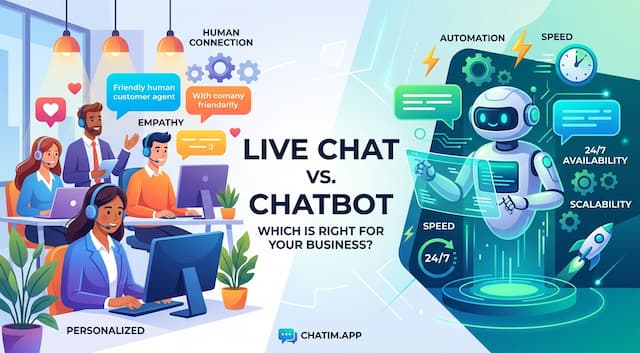 Live Chat vs Chatbot: Which One Does Your Website Need?
Live chat vs chatbot in plain terms: what each does best, where each fails, and the bot-first, human-close handoff pattern that beats running either alone.
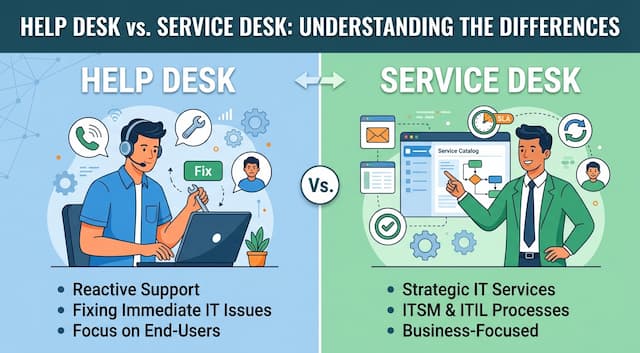 Help Desk vs Service Desk: The Real Difference (2026)
Help desk vs service desk in one line: issue-fixing vs service lifecycle. The five differences that matter, why the terms blur, and which one you need.
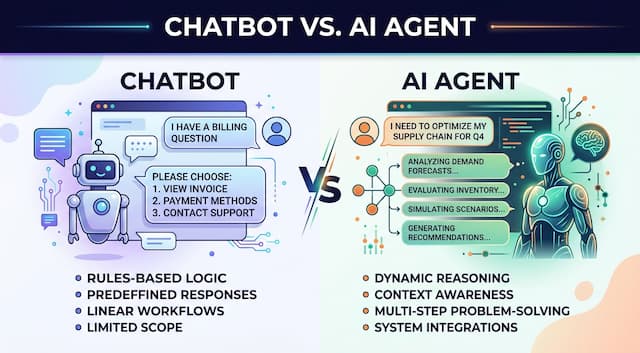 Chatbot vs AI Agent: Where the Line Actually Sits (2026)
Chatbot vs AI agent in plain terms: what each one does, where the line blurs, and how to add autonomy to support and sales without losing control.
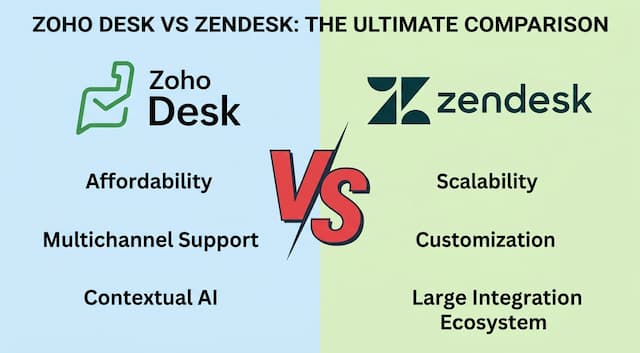 Zoho Desk vs Zendesk in 2026: The Price Gap, Examined
Zoho Desk vs Zendesk in 2026: included AI vs a quiet meter, and where Zendesk earns it