Small Business Automation: Tools, Types, and a Plan
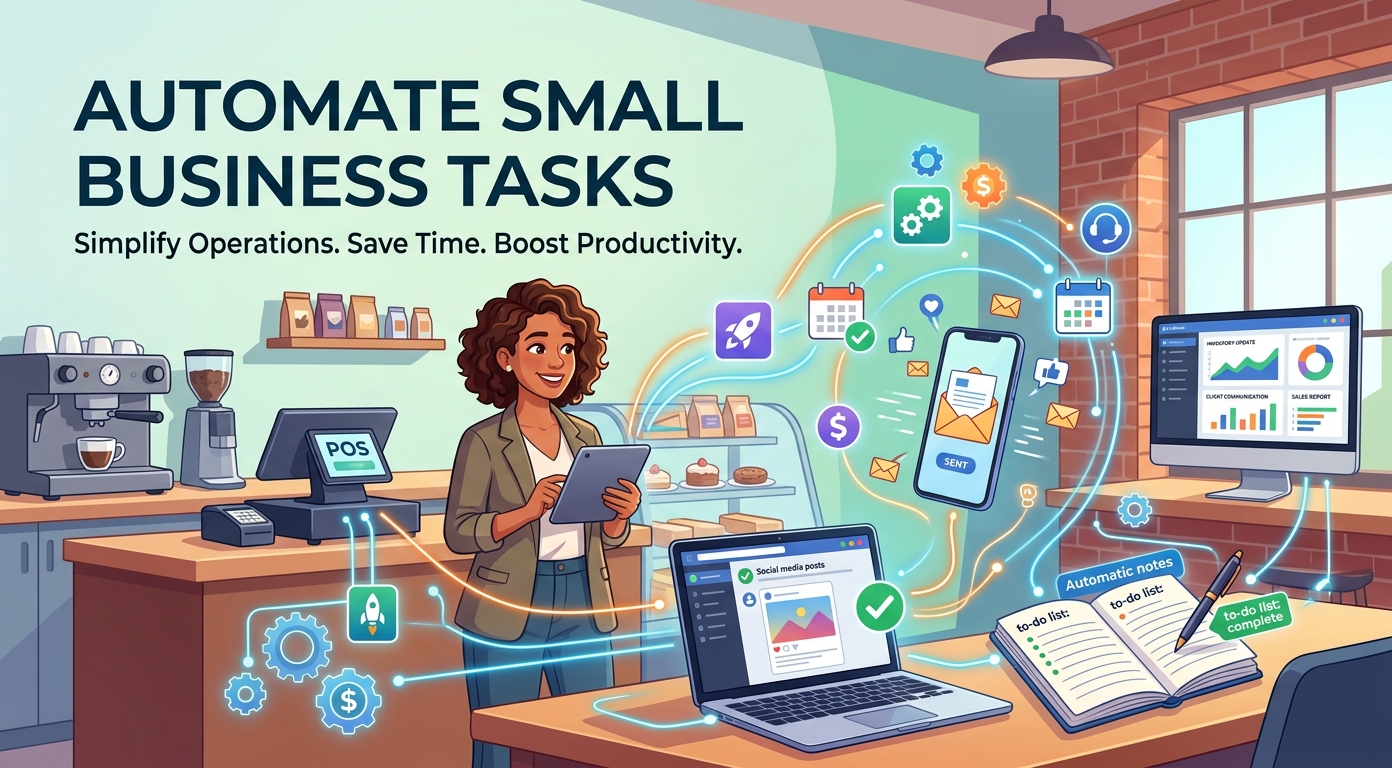
Small business automation uses software to handle the repetitive tasks that fill an owner's day. That frees the team to spend its time on the work that actually grows the company. It is no longer a luxury for large enterprises, because affordable, easy tools now put automation within reach of any small business.
This guide explains automation for a small business in plain terms: what it is, the four types of automation, the best tools area by area, and a simple plan to start. The goal is fewer manual chores and more hours back, with no big budget and no technical team.
Read it as a working checklist. Pick the ideas that match your biggest time drains, and ignore the rest until later.
What is small business automation?
Small business automation is the use of software to run routine business processes with little or no manual effort. Instead of a person repeating the same task by hand every day, a tool does the job on a set trigger or schedule.
This is often called business process automation. It covers everything from sending an invoice to onboarding a new hire, and it works the same whether you are a solo founder or a team of twenty.
One point matters before anything else: automation does not replace people. It removes the dull, error-prone work so people can focus on customers, strategy, and growth. The business still runs on judgement, and the tools simply clear the busywork out of the way. Used well, automation makes a small team feel calmer and more in control, not more mechanical.
Why automation matters for a small business
Most small business owners do not lack ideas. They lack hours. Automation gives those hours back, and the benefits compound as the company grows.
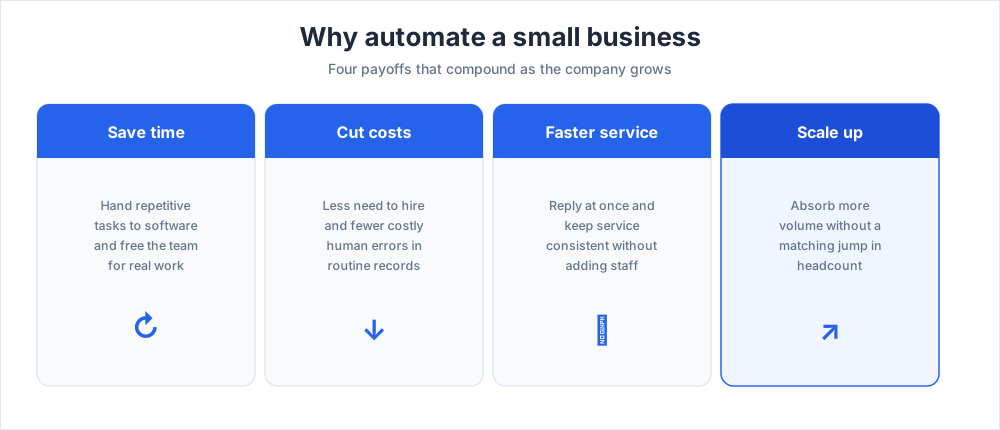
The four payoffs below are the reason automation has moved from a nice-to-have to a basic part of running a lean company.
Save time on repetitive tasks
Every business runs on repetitive tasks: data entry, reminders, status reports, the same email sent fifty times. Automating these repetitive processes frees the team for higher-value work.
It also removes a quiet source of daily friction. Nobody enjoys copy-paste work, and handing it to a tool keeps the team focused and motivated.
Cut costs and reduce errors
Automation software lowers the need for extra hiring and cuts the cost of human error. A tool that handles payroll processing or invoicing the same way every time keeps your records accurate and audit-ready.
Mistakes are expensive in money and in trust. A missed invoice or a payroll slip damages relationships, and consistent automation removes most of that risk.
Respond to customers faster
Customers expect quick answers, and they judge a small business on how fast it replies. Automation lets you respond at once, route each request to the right place, and keep service consistent across every channel.
That lifts service quality without adding staff. Faster, steadier responses turn first-time buyers into repeat clients who trust the brand, and that consistency is what they remember the next time they need to buy.
Scale without adding headcount
As demand grows, manual processes break first. Order volume doubles, the inbox overflows, and the team that felt fine last quarter is suddenly underwater.
Automation absorbs the extra volume. A small business can scale its operational workflows steadily without a matching jump in headcount, which protects margins as it grows.
The 4 types of automation
Automation is not one thing. Knowing the four types helps you pick the right tool for each job and avoid overbuying.
Each type of automation suits a different level of complexity, and most companies use a mix of all four as they mature.
Basic automation
This first level handles single, simple tasks: an auto-reply, a scheduled social post, a low-stock alert. It is the easiest entry point and needs no technical skill at all.
It is where almost every small business should begin, because the wins are quick, the setup takes minutes, and the risk is near zero.
Process automation
Process automation connects several steps into one flow. A new order can trigger an invoice, a confirmation email, and a stock update in a single chain.
This is the heart of business process automation for most companies, and it is where the biggest time savings usually appear. Map the steps a task takes today, then let a single trigger run the whole chain from start to finish.
AI and intelligent automation
AI automation adds judgement. Powered by artificial intelligence, AI agents and other AI tools can answer open questions, sort messages by intent, and draft replies.
They handle work that fixed rules cannot, which is why AI features now appear in most modern automation tools, even the ones built for solo entrepreneurs on a tight budget.
Integration automation
Integration automation links the apps you already use, so data moves between them on its own. Platforms like Zapier and Make connect tools that were never built to talk to each other.
For a small team, this quietly removes hours of re-typing the same information into different systems.
Automation by business area
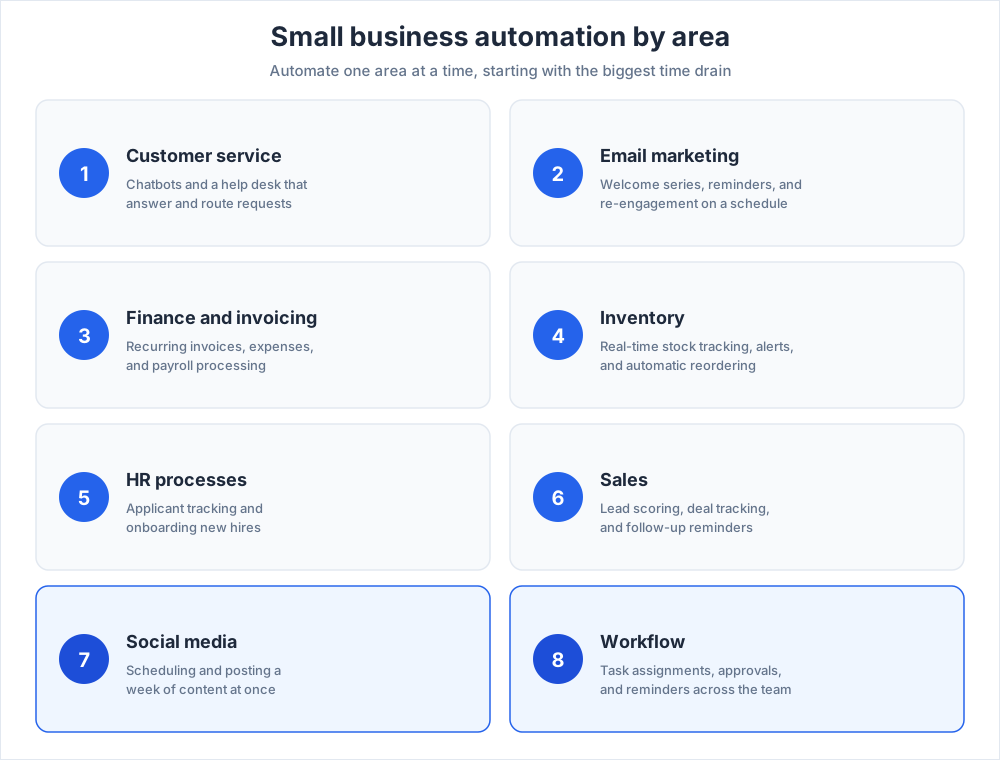
The fastest way to start is to automate one area at a time. Below are the highest-impact areas to automate, with the kind of automation tools that fit each one.
You do not need all of them. Pick the area that wastes the most hours and start there.
Customer service automation
Customer service automation is often the first win. A chatbot answers common questions on your website day and night, while a help desk routes tickets and triggers follow-ups for a seamless service experience.
Done well, it keeps clients happy without an agent online at every hour. See our guide to how chatbots work for the basics.
Email marketing automation
This area sends the right message at the right moment: a welcome series, a cart reminder, a re-engagement note to lapsed clients. It runs these sequences in the background without anyone hitting send.
Email marketing tools such as Mailchimp and Brevo segment your audience and trigger campaigns on a schedule, so the list stays warm while you work on other things.
Financial automation and invoicing
Financial automation covers invoicing, expense tracking, and payroll. Accounting software such as QuickBooks or Xero sends recurring invoices to clients and chases overdue payments on its own.
That means cash is collected without anyone tracking it by hand, and tax season stops being a scramble through receipts. Clean, current books also make it far easier to see where the money actually goes each month.
Inventory automation
For any business selling physical products, inventory automation tracks stock in real time, sends low-stock alerts, and reorders from suppliers at a set threshold.
That prevents both stockouts that cost a sale and dead stock that ties up cash, which keeps the whole operation lean. It also gives you an accurate, real-time view of stock without a single manual count.
HR processes automation
This area streamlines hiring and onboarding. An applicant tracking system sorts resumes, sends responses, and follows the hiring pipeline so good candidates do not slip away.
Onboarding tools then hand new hires their paperwork, checklists, and training without an admin walking each one through it.
Sales automation
Sales automation tracks deals, scores leads, and triggers follow-up reminders so no opportunity is missed. A CRM keeps every interaction with clients in one place.
That gives a small team the follow-through of a much larger one. See our guide to what a CRM is for how the data fits together.
Social media automation and scheduling
This area handles scheduling and posting. Social media management tools like Buffer and Hootsuite let you queue a week of posts at once.
That keeps the brand visible without daily effort, and our guide to social media for business goes deeper on the strategy behind it.
Workflow automation
Workflow automation ties tasks, approvals, and reminders together across the team. Project tools like Asana and Trello move work forward, assign owners, and flag what is overdue.
The result is fewer dropped balls and less status-chasing, so projects do not stall as the team grows. Everyone can see who owns each task and when it is due, which removes most of the friction in day-to-day coordination.
How to choose automation tools
With hundreds of options, choosing small business automation tools comes down to fit. Look for friendly tools your team will actually use, that connect with your current apps, and that scale with you as you grow.
Favour software with a clear free tier or trial, honest pricing, and responsive support that answers when something breaks. Plenty of small business automation ideas start with a single app, so do not buy a long list of automation features you will never switch on.
The best tool is the one that removes a real, painful task this month. The top tools for a beginner are rarely the most advanced; they are the ones the whole team adopts in a day. Start a free trial, automate one task, and only commit once the tool has proven it saves real time.
How to start automating
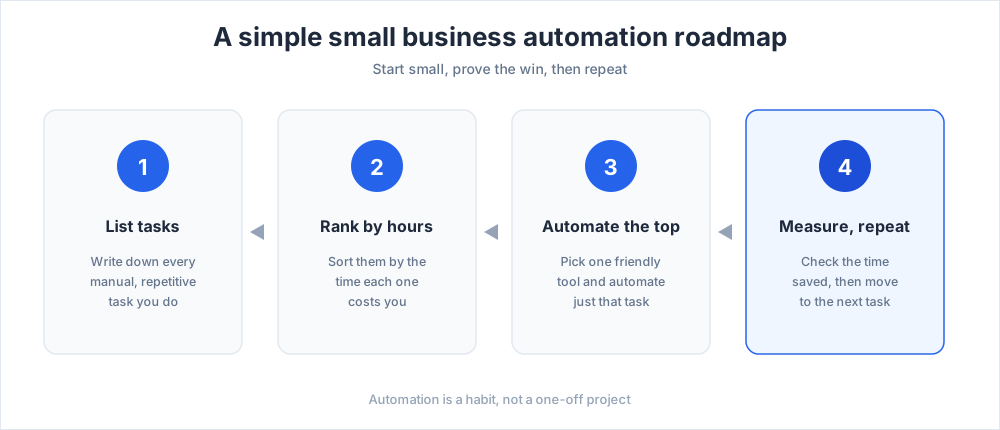
Start small. Pick the one repetitive process that wastes the most time, automate just that, and measure the result before you move on to the next one. A small, finished win builds both the confidence and the business case for the next step.
A simple roadmap works well. List your manual tasks, rank them by hours lost, automate the top one, then repeat. Within a quarter, most small businesses have automated three or four processes and freed up real time.
Treat automation as a habit, not a one-off project. The owners who win keep handing administrative tasks to a tool, one process after another, and the time saved is reinvested straight into growth.
Key takeaways: your automation roadmap
Small business automation is the practical way for a small team to do the work of a larger one. It saves time, cuts errors, and improves customer service, all without a big budget.
Begin with the four types in mind, choose the right tools for one area, prove the result, and expand from there at your own pace. Whether you automate customer messages, invoicing, or your marketing efforts, every task you hand to software is time returned to the business.
For more on the tools behind a well-run small business, see our guides to customer service fundamentals and marketing automation platforms, and consider adding Chatim live chat to automate customer conversations on your website.
Frequently Asked Questions
What are the 4 types of automation?
The four types of automation are: basic automation, which handles single simple tasks like an auto-reply or a low-stock alert; process automation, which connects several steps into one flow such as turning an order into an invoice, an email, and a stock update; AI and intelligent automation, which uses artificial intelligence to handle judgement-based work like sorting messages by intent; and integration automation, which links the apps you already use so data moves between them on its own. Most small businesses use a mix of all four.
Can ChatGPT automate tasks?
On its own, ChatGPT is a conversational AI assistant rather than a workflow automation tool, so it does not run tasks on a schedule by itself. It can, however, be connected to automation platforms like Zapier or Make, or used through its API, to automate drafting, summarizing, classifying, and replying to messages. In practice, ChatGPT handles the thinking part of a task while an automation tool handles the triggers and the timing.
What are the top 5 automation tools?
There is no single top five, because the best tools depend on what you are automating. A common starter stack for a small business covers the main areas: Zapier for connecting apps, Mailchimp or Brevo for email marketing automation, QuickBooks or Xero for financial automation, a CRM such as HubSpot for sales, and Asana or Trello for workflow automation. Pick one tool per area you actually need rather than chasing a ranking.
What's the best AI tool for small businesses?
There is no single best AI tool, because the right choice depends on the job. For writing and summarizing, a general assistant like ChatGPT works well. For customer service, an AI chatbot answers questions on your website around the clock. For most other tasks, the simplest option is the AI features already built into the tools you use, such as your CRM or email platform. Choose by the task you want to automate, not by brand.
What is business process automation?
Business process automation is the use of software to run a multi-step process with little or no manual effort. Instead of a person doing each step by hand, one trigger runs the whole chain, for example a new order automatically creating an invoice, a confirmation email, and an inventory update. It is the core of small business automation and usually where the biggest time savings appear.
How much does small business automation cost?
Small business automation can start at zero. Many tools offer a free tier that is enough for a solo owner or a small team, and paid plans for most categories sit in roughly the $10 to $30 per user per month range. The practical approach is to start with free tiers, automate one painful task, and only pay once a tool has proven it saves real time.
What tasks should a small business automate first?
Automate the repetitive tasks that waste the most hours and carry the most risk of error. For most small businesses that means customer service replies, email follow-ups, invoicing, and appointment or social media scheduling. List your manual tasks, rank them by hours lost, and automate the one at the top before moving on.
Is automation worth it for a very small business?
Yes, often more so than for a large company. A solo owner or a small team has the least time to spare, so handing repetitive processes to software has an immediate payoff. Because affordable, friendly tools now exist for every area, even a one-person business can automate invoicing, customer messages, and scheduling without a budget or technical skills.
Will automation replace my employees?
No. Small business automation removes dull, repetitive, error-prone work, but the business still runs on human judgement, relationships, and strategy. In practice, automation lets a small team do more without burning out, and it frees employees to spend their time on customers and growth rather than on copy-paste tasks.
Do I need technical skills to automate my business?
No. Most modern automation tools are built for non-technical owners, with visual builders, templates, and ready-made integrations. Basic automation, such as auto-replies, scheduled posts, and recurring invoices, can be set up in minutes. You only need technical help for complex, custom workflows, and most small businesses never reach that point.
How do I automate customer service for a small business?
Start with a chatbot that answers frequently asked questions on your website at any hour, then add a help desk that routes tickets and triggers follow-ups. Saved replies and automated acknowledgements keep response times fast, while genuinely complex questions are passed to a person. This keeps customer service consistent without an agent online every hour.
How long does it take to see results from automation?
Basic automation shows results almost immediately, often within the first day, because a single repetitive task simply stops needing your attention. Larger process automation and integrations take a little longer to set up and refine. Most small businesses automate three or four processes within a quarter and feel a clear difference in time saved.
What is the difference between automation and AI?
Automation follows fixed rules: when X happens, do Y. It is reliable and predictable, and it covers most small business automation needs. AI adds judgement, so an AI tool can interpret an open-ended question, sort messages by intent, or draft a reply. Modern tools increasingly combine the two, using rules for the predictable steps and AI for the steps that need interpretation.
Related articles
More in Tools & productivity →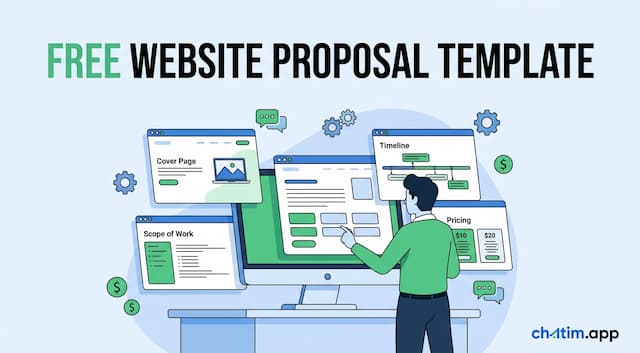 Website Proposal Template: 8 Sections That Win (2026)
A free website proposal template with all 8 sections copy-paste ready, plus the walkthrough: scoping, three-tier pricing, follow-up, and the expiry date.
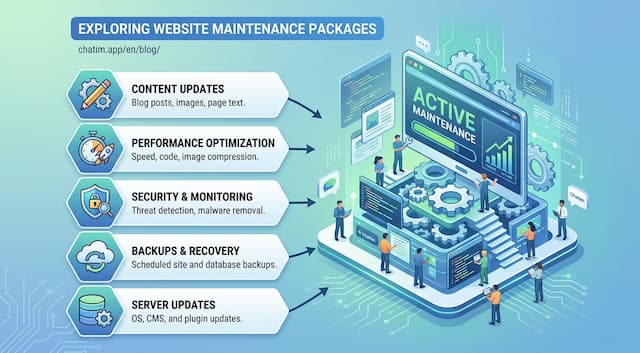 Website Maintenance Packages: What to Include & Charge (2026)
What goes into a website maintenance package, how providers price three tiers, the full maintenance checklist, and the recurring line items clients notice.
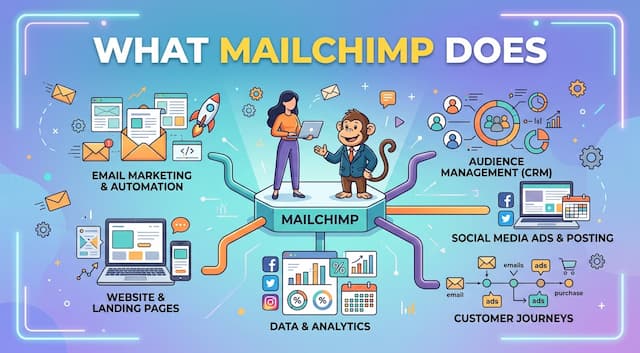 What Is Mailchimp? A Complete Guide to What It Does
Mailchimp is a leading email marketing platform. Learn what it is, what it does, its features and plans, and top alternatives.
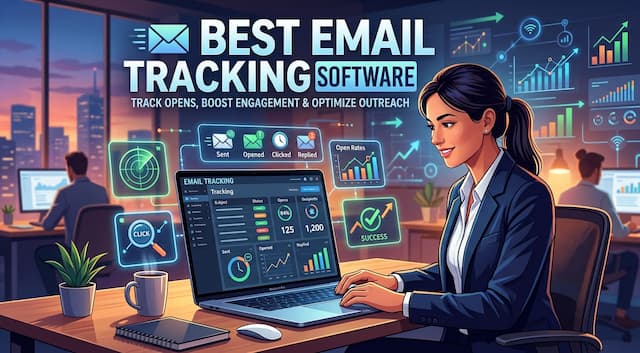 20 Best Email Tracking Software Tools to Use in 2026
20 email tracking tools compared: Mailtrack, HubSpot, Mixmax, Mailchimp, ZeroBounce. Pricing, free tiers, Gmail and Outlook picks for sales teams.