All-in-One Contact Button for Your Website
Turn website visitors into customers with a multi-channel contact widget. Give visitors one-click access to Live Chat, WhatsApp, Telegram, Phone, Email, and more - all from a single floating button.
Get Started Free
No credit card required
Boost Sales
Live chat converts visitors into customers
24/7 Automation
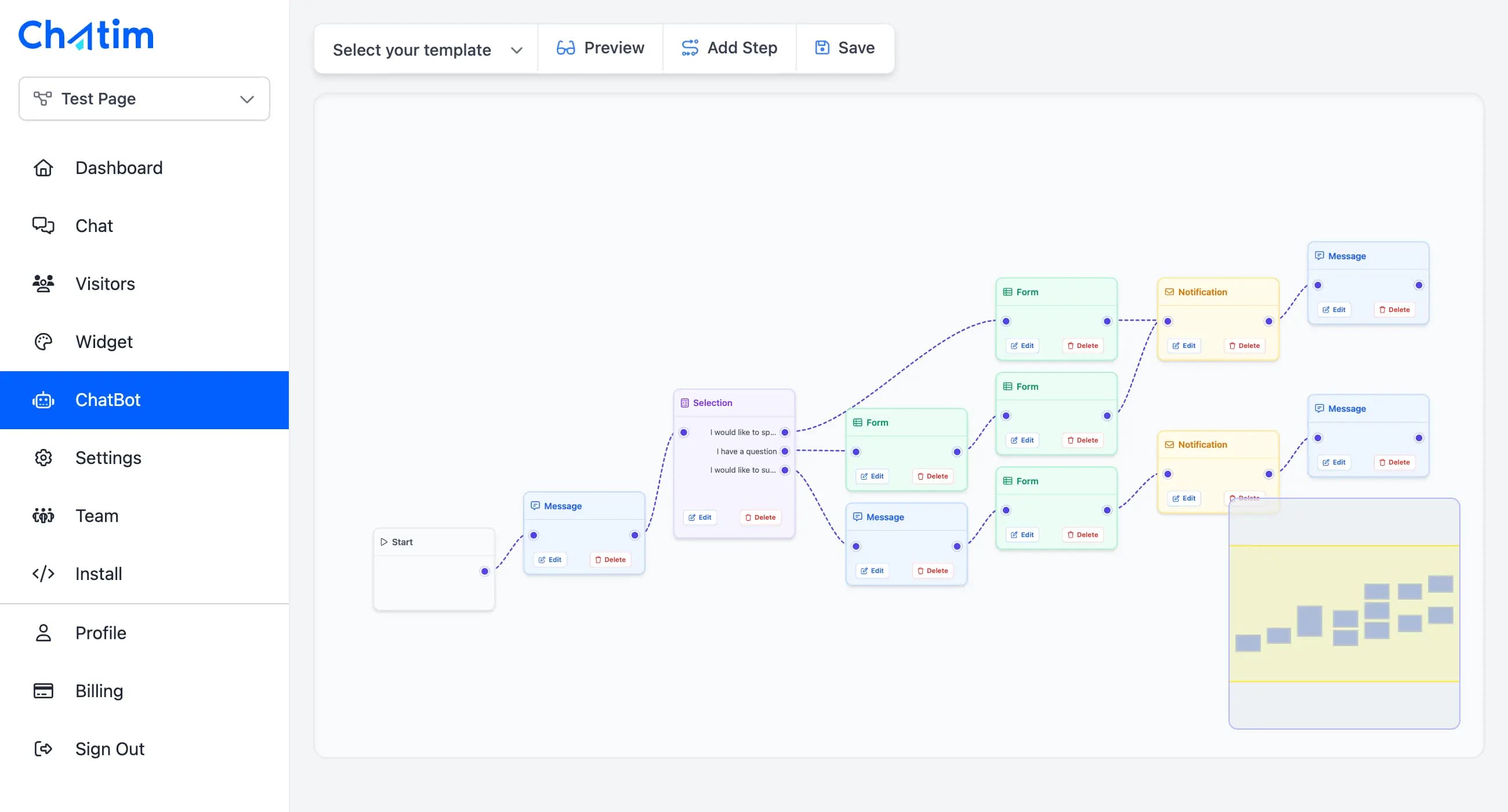
Chatbot captures leads outside business hours
Better Support
Instant responses improve customer satisfaction
Easy Setup
Get started in minutes without coding
Multiple Contact Channels in One Widget
Replace multiple plugins with one powerful contact button that supports all your communication channels.
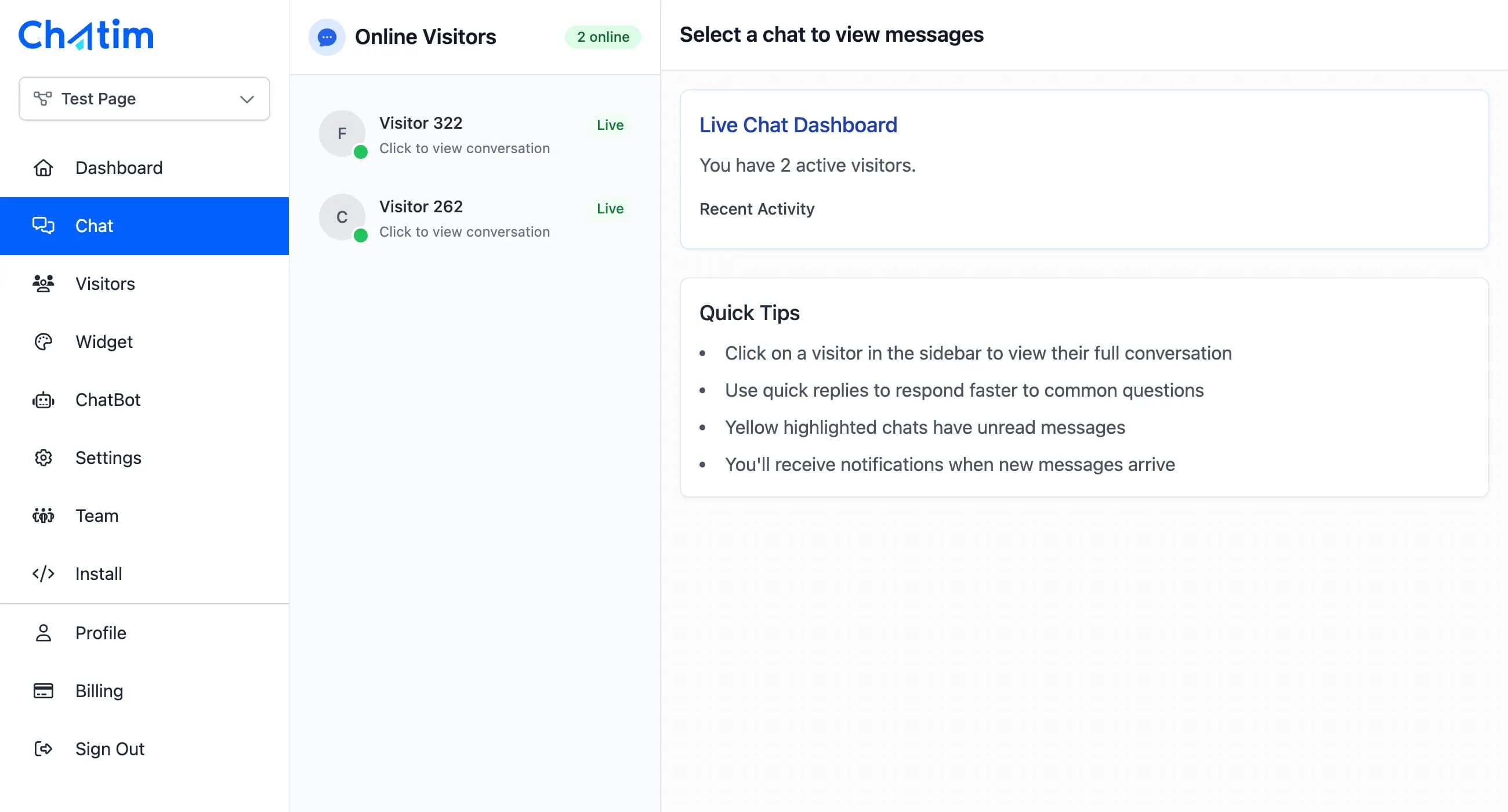
Engage visitors instantly with real-time live chat. Answer questions, provide support, and convert leads directly on your website with the built-in chat functionality.
Why your business needs a contact button
A multi-channel contact button removes friction and lets customers reach you their preferred way.
- Don't force visitors to search for your contact information. A floating contact button is always visible, making it effortless for potential customers to reach out. Meet your customers where they are - whether that's WhatsApp, Telegram, or traditional phone and email.
- Every page becomes a lead capture opportunity when visitors can contact you with one click. Stop losing potential customers who give up looking for your phone number or email. The easier you make it to connect, the more leads you'll generate.
- Replace multiple plugins and cluttered contact sections with one elegant solution. A single button handles live chat, messaging apps, phone calls, and email - keeping your website clean while maximizing contact options.
Configure your perfect contact experience
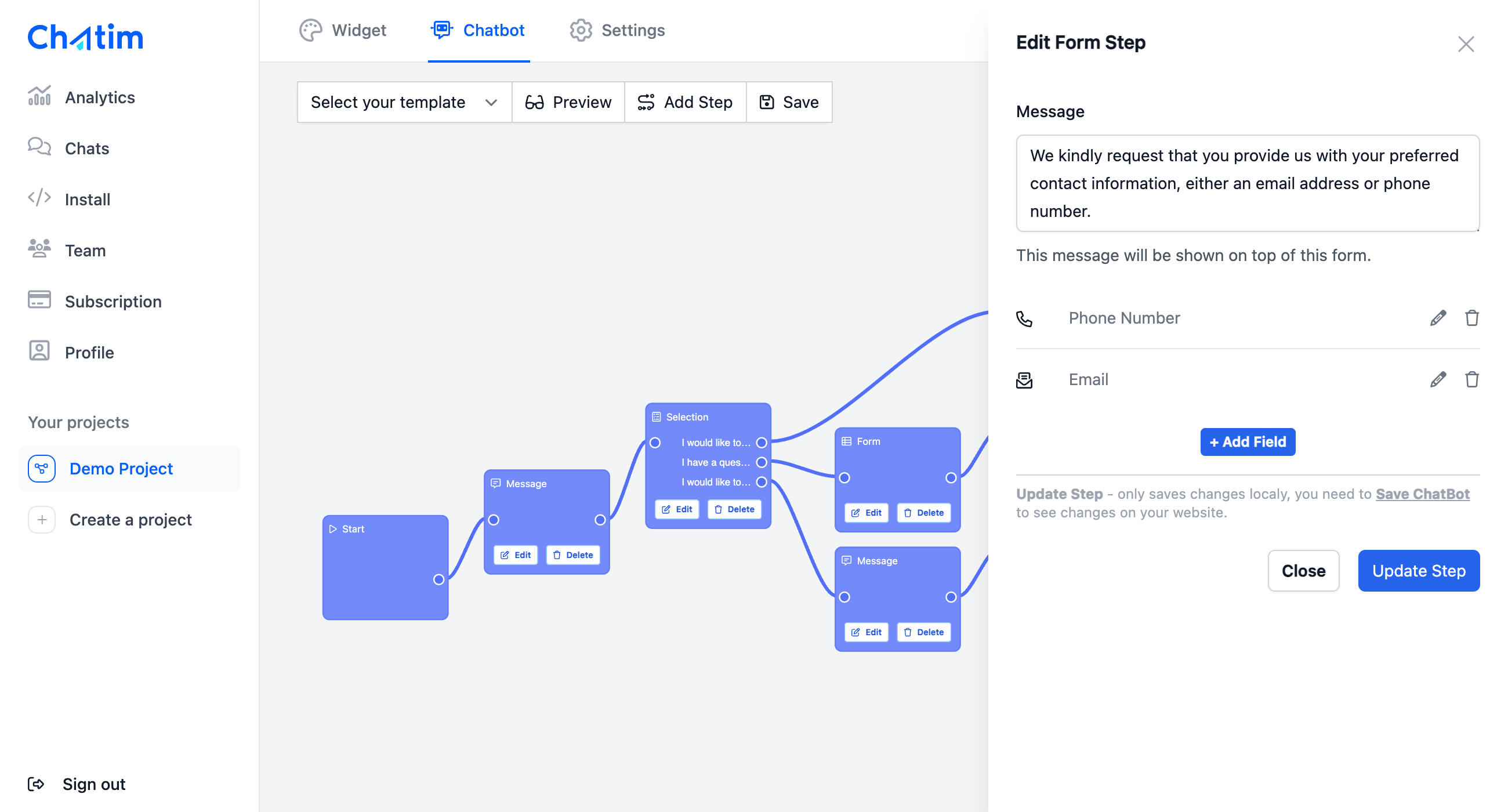
Chatim's Contact Button is fully customizable to match your business needs and brand identity.
- Multiple Animation Styles.
- Choose how your contact options appear - fan out in an arc, stack vertically, or display as a list with labels.
- Flexible Positioning.
- Place the button in any corner of the screen and customize margins to fit your website layout perfectly.
- Channel Configuration.
- Enable only the channels you use, reorder them by priority, and customize labels for each contact option.
- Hover or Click Trigger.
- Choose whether the button expands on hover (great for desktop) or click (better for mobile users).
- Brand Matching.
- The button automatically uses your widget colors while each channel keeps its recognizable icon for instant identification.
- Smart Mobile Behavior.
- The widget automatically adapts to mobile devices, ensuring click-to-call and messaging apps work seamlessly on phones and tablets.
Frequently Asked Questions